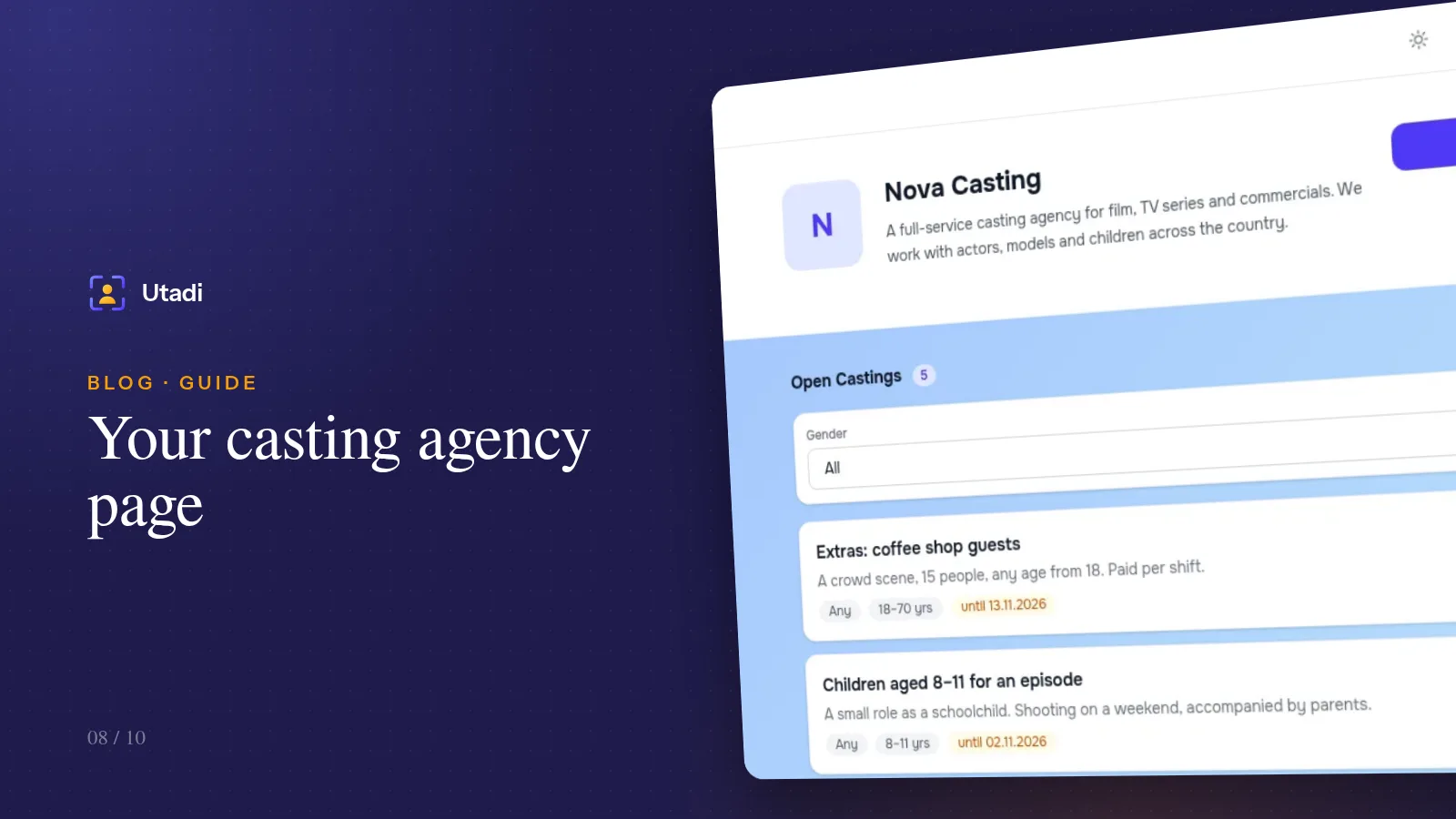
Posting every casting call from scratch — in channels, chats and groups — is tiring and expensive. It works far better when actors follow your castings themselves: they subscribe once and get notified as soon as a matching role appears. That's what every agency's public page is for.
What the agency page is
It's the address where an actor sees everything at once: who you are, how to reach you and which castings are open right now. Each casting expands right in the list and leads to its application form. New castings appear on the page automatically once published; closed ones disappear (or stay with a label, if you prefer).
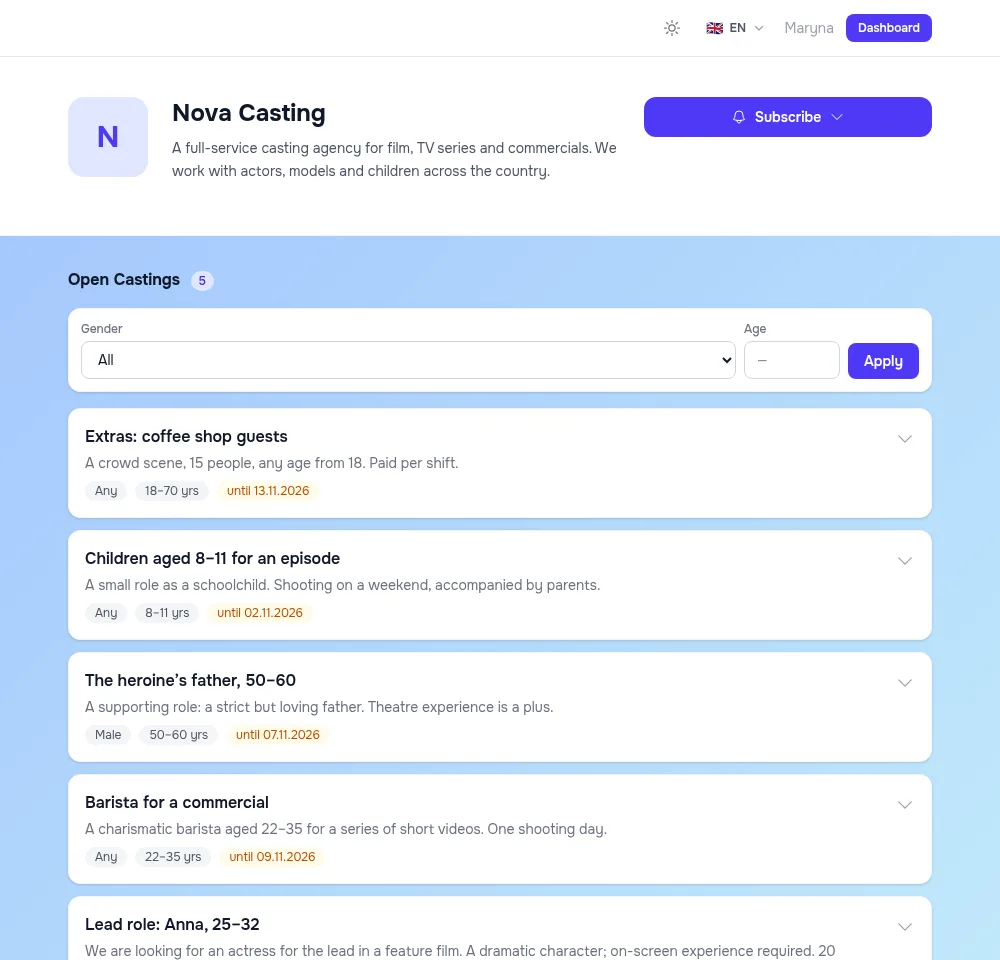
The page lives at a short subdomain address — your-agency.utadi.com. Put it in your Instagram bio, your Telegram channel description and your email signature.
Styling: make the page look like you
Agency Settings has several tabs: general information (logo, name, page address, description), contacts, public page, and uploads in applications.
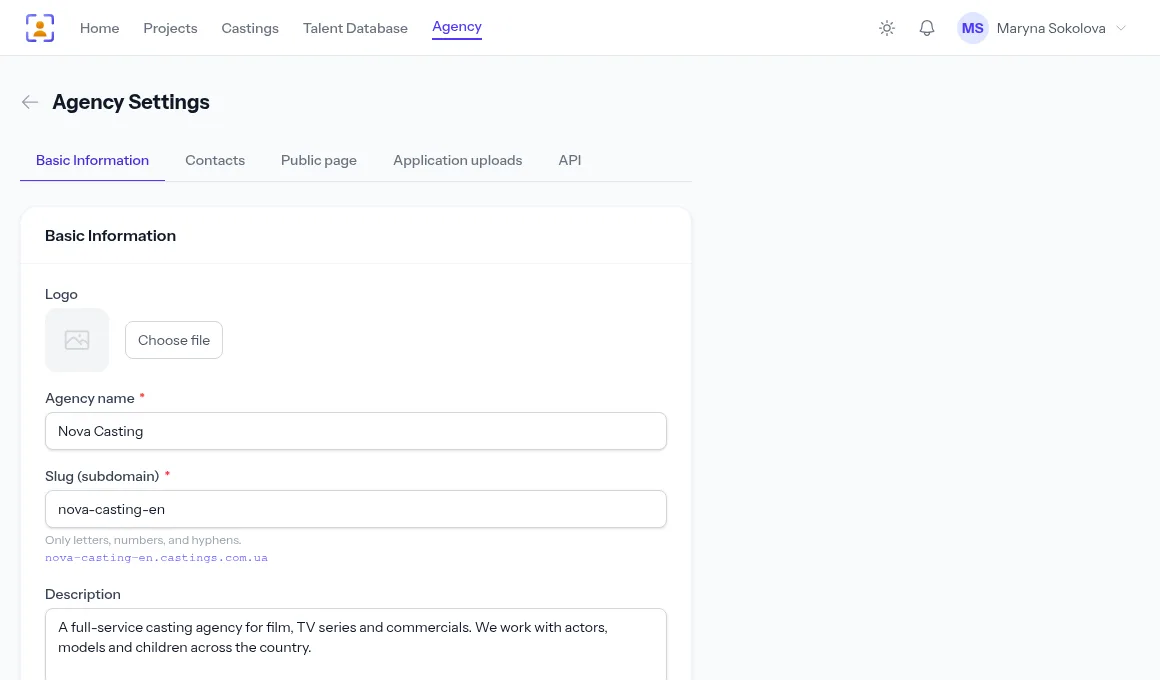
The Public page tab lets you set:
- the background — a colour, a gradient or your own image;
- text, button and block colours, and the shape of buttons and cards — so the page matches your brand;
- the default language — if most of your actors speak one language; visitors can still switch it themselves;
- how many castings per page — 10, 20, 50 or 100;
- the excerpt length on each card, and whether line breaks in descriptions are kept;
- whether to show closed castings — an archive shows that the agency is active;
- whether to show the subscribe button.
Tip. Say in your agency description who you work with and in which genres: "film and TV, commercials, children from age 5, Kyiv region". An actor who doesn't fit your profile won't subscribe and won't send irrelevant applications.
Filters for actors
Above the castings list there are gender and age filters. A 28-year-old actress picks "Female", enters her age and sees only the roles she can go for. The more precisely you fill in a casting's gender and age range, the better this filter works — and the fewer off-target applications you get.
Subscribing to new castings
The Subscribe button on the agency page offers three channels:
- By email — new castings arrive by email. The address is confirmed with a code, so the list has no mistyped or foreign addresses, and unsubscribing takes one click on the link in the email.
- Browser push — an instant notification on a computer or phone, even when the site is closed.
- Telegram — the casting announcement arrives on Telegram.
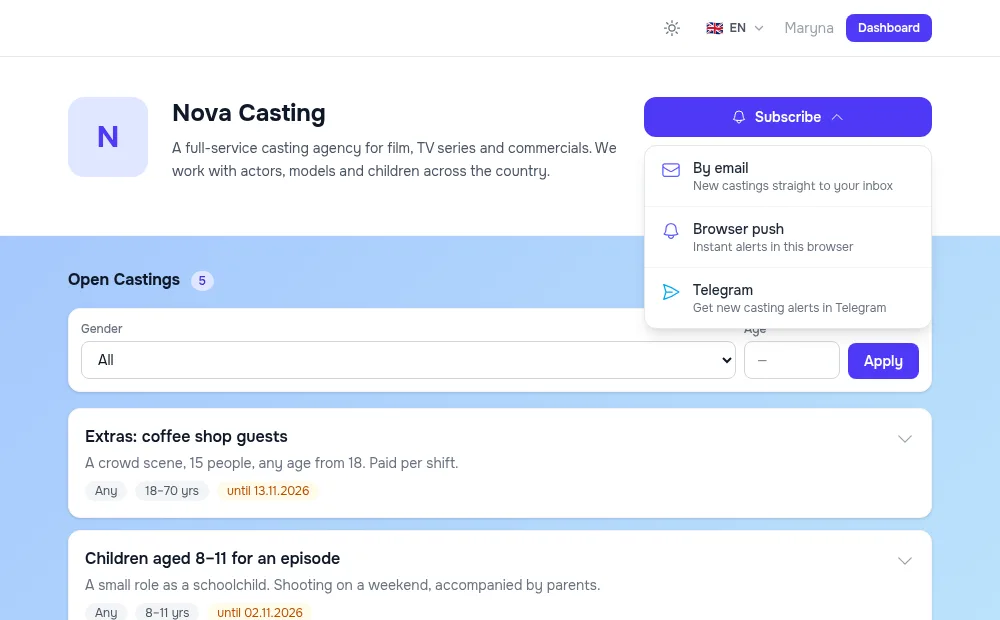
People can subscribe without an account too — by email or with push notifications. Registered actors manage all their subscriptions from their own account.
Subscriptions with a filter
A subscriber can give their gender and age and get notified only about matching roles. For the actor, that means the notifications never turn into spam; for you, it means people don't unsubscribe. When you publish "The heroine's father, 50–60, male", only men of the right age — and those who set no filter — are notified.
How many notifications you can send
The number of subscribers is unlimited. Your plan limits the number of notifications delivered per month: one notification is one message to one subscriber on one channel. Current usage is shown on the agency page in the limits block. When the limit is reached, new castings are published as usual, just without notifications until the next month begins.
Getting your first subscribers
- Link to the page everywhere you post castings: in posts, in your channel header, in your email auto-reply.
- Add a line to every casting call: "Want to hear about new roles first? Subscribe to our page."
- Reply to those who didn't make it: "You weren't right for this one, but subscribe — we often have roles for your type." This is your warmest audience.
- Don't blast everything. If subscribers get notified about roles that don't fit them, they leave. Fill in each casting's gender and age accurately.
Castings on your own website
If your agency already has a website, you can show your castings there too — with an application form that sends replies straight into your account. Developers get a REST API and ready-made PHP and Python libraries: your site fetches the open castings and their form fields and submits applications. The documentation is in the API section.
In short
The agency page is a permanent showcase that works without you: castings appear on it by themselves, actors subscribe and get notified about matching roles. Style it to match your brand, write a clear description, link to it in every casting call — and each casting will bring more applications from your own audience.
Everything this feature does, on one page: Online casting forms.