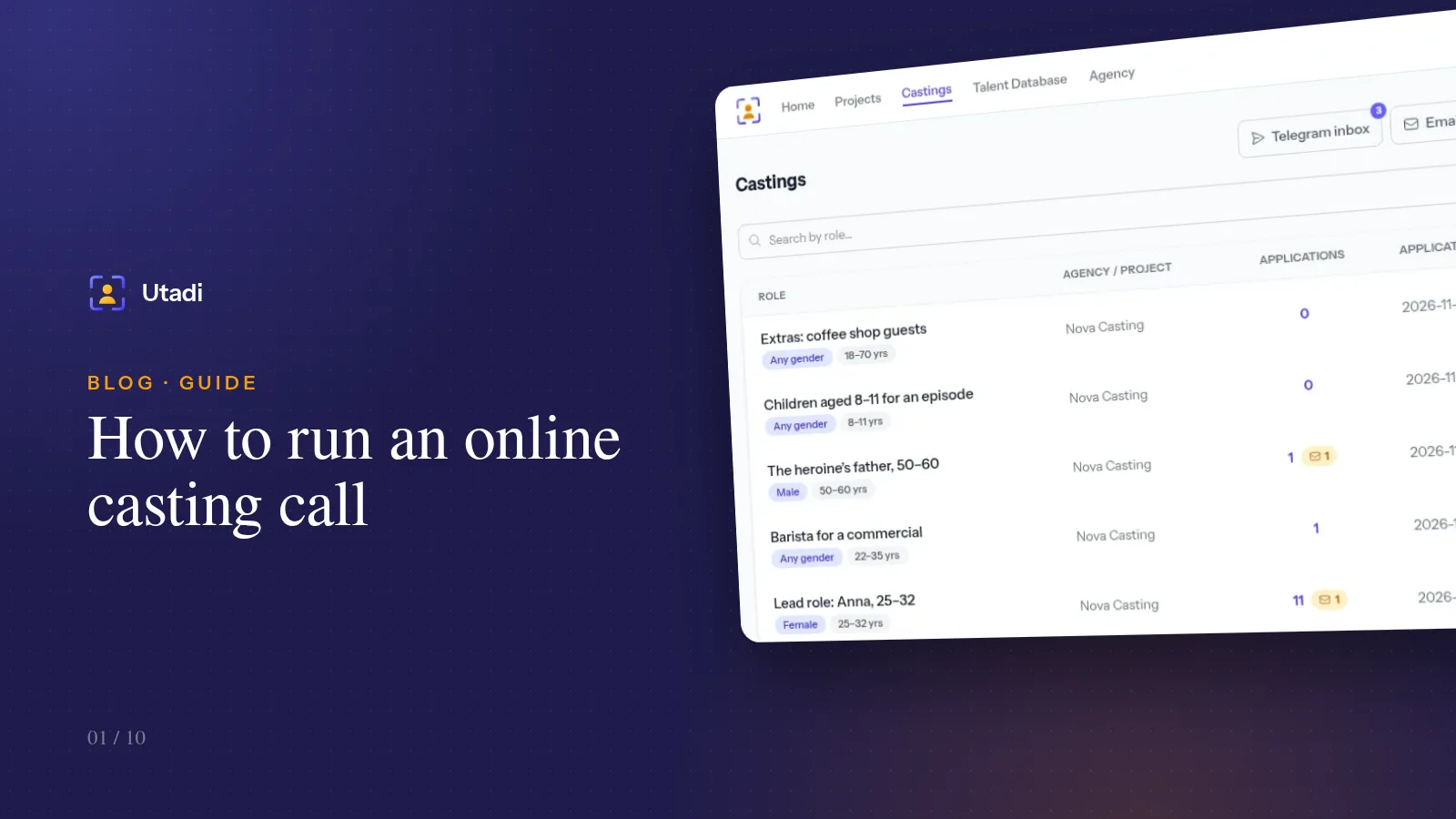
Not so long ago a casting call looked like this: a post in a dozen groups, hundreds of direct messages, photos scattered across email, a spreadsheet kept by an assistant, and the eternal question "where is the application from that actress last week?". Online casting fixes this not by adding one more channel, but by merging every channel into a single queue.
This article walks through the full cycle, from creating a casting to approving an actor. It uses the Castings platform as the example, but the principles apply to any tool.
Step 1. Create an agency and a project
Every casting belongs to an agency. Even if you work alone, the agency is your storefront: a public page listing your open castings, your logo, contacts and plan limits. The free plan is enough to run your first castings and get a feel for the process.
If you run many castings, group them into projects: a series, an ad campaign, a festival. The castings list then shows which project each role belongs to, and applications never get mixed up.
Step 2. Write a casting call that filters people out
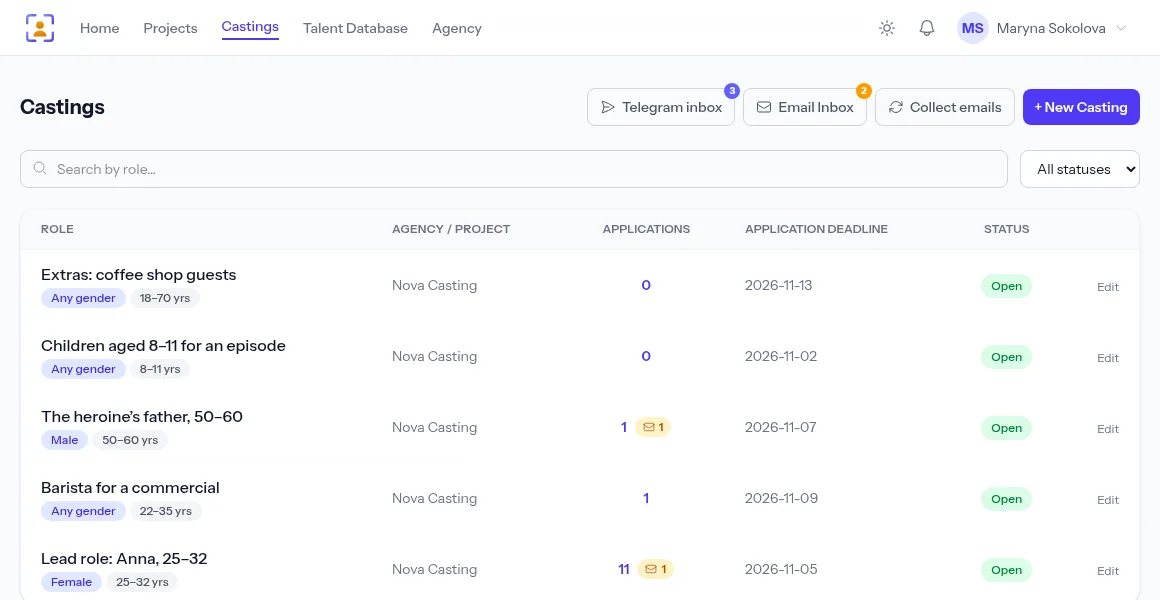
A good casting call saves more time than any filter. A candidate should understand within ten seconds whether they fit. So put the essentials in the role title — the character's name and the age range: "Lead role: Anna, 25–32" works far better than "Casting for a TV series".
In the description, answer the questions you will be asked anyway:
- what the project is — genre, format, platform;
- who you need — age, type, required skills (driving, singing, languages);
- when and where — shooting dates, city, number of shooting days;
- terms — the fee, or at least its format if you cannot name a figure.
Set the gender and age range separately. It is not just a label on the card: actors subscribed to your agency are notified only about roles that match them, based on these fields.
Tip. Always set a closing date for applications. A casting without a deadline collects replies for months, and a week after it is over you get "is this still open?". With a date, the system closes intake by itself and the public page honestly shows that the casting has finished.
Step 3. Set up the application form
The most common mistake is asking for everything. Every unnecessary required field lowers the number of applications, and every missing one forces you into back-and-forth messages later. Decide up front what you cannot make a decision without, and mark only those fields as required.
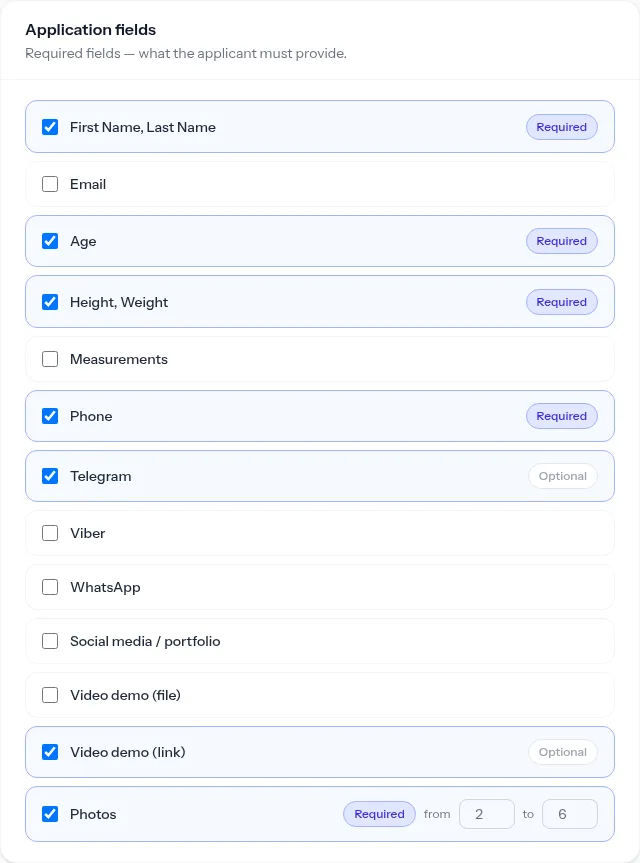
For most roles this set is enough:
| Field | Required | Why |
|---|---|---|
| First and last name | yes | identification |
| Age, height | yes | first cut by type |
| Phone | yes | quick contact for auditions |
| Photos | yes, 2–6 | headshot and a full-length photo |
| Demo video (link) | no | strongly recommended for lead roles |
| Telegram | no | a convenient channel for follow-ups |
Set a minimum and a maximum for photos. A minimum of two weeds out applications with a single random selfie; a maximum of six saves you from 40-picture albums.
Step 4. Accept applications from messengers and email
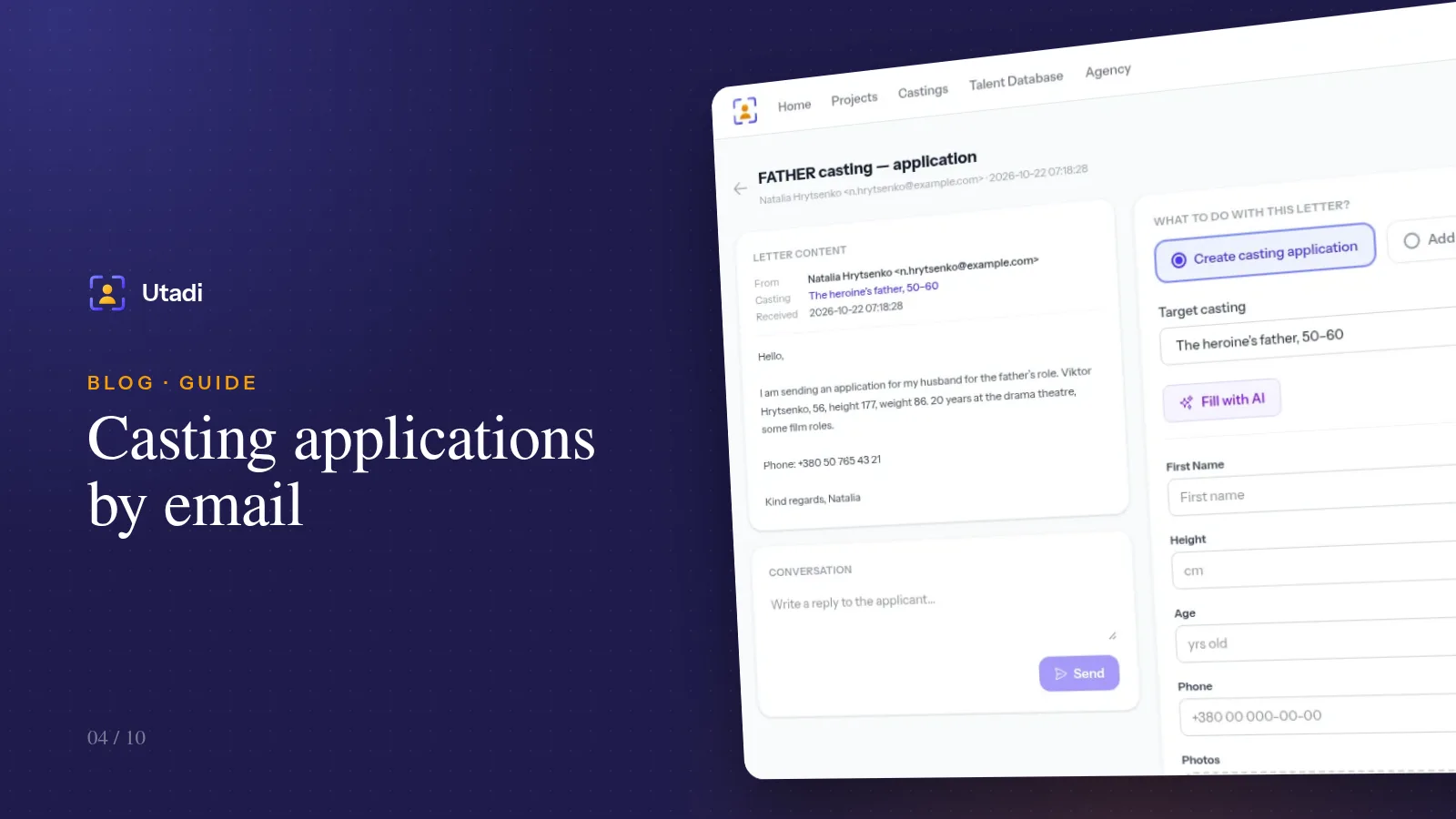
The casting page with its form is the main channel, but not the only one. Many actors prefer to reply on Telegram or email a portfolio, and agents send a batch of profiles in a single email.
To get those replies into the same queue, give the casting a keyword — for example, ANNA. When a candidate sends it to your agency's bot or puts it in an email subject line, the message is attached to the right role automatically. An empty keyword turns both channels off; a filled one turns both on.
Setting up each channel is covered in Accepting casting applications through a Telegram bot and Casting applications by email.
Step 5. Publish and share the link
Once published, the casting gets its own page with an application form. Actors don't need to sign up: they open the link, fill in the fields, attach photos and submit. This matters — every extra step such as "create an account first" costs you applications.
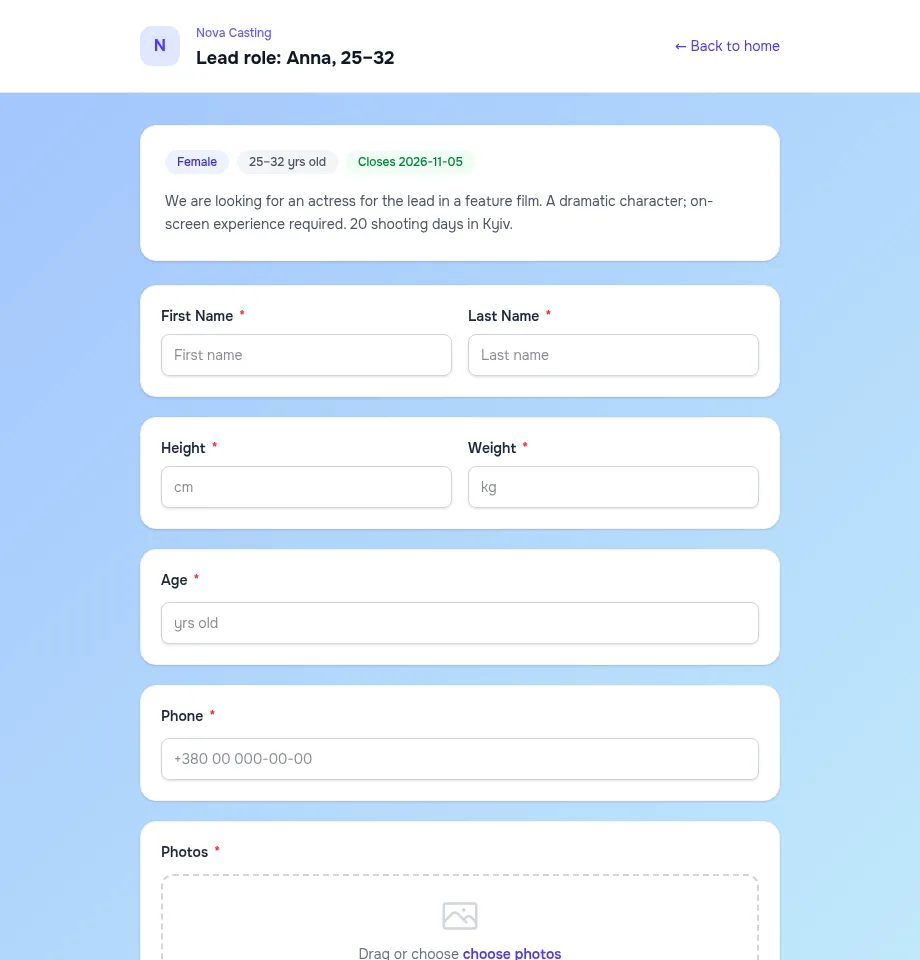
Where to share the link:
- Your agency page — the casting appears there automatically, and subscribers are notified by email, on Telegram or with a browser push notification.
- Actors' Telegram channels and chats — include the keyword in the post so people can apply straight to the bot.
- Social media — every casting gets a generated share image you can attach to a post.
- Your own contact list — actors who have already worked with you.
Step 6. Review applications and mark the best
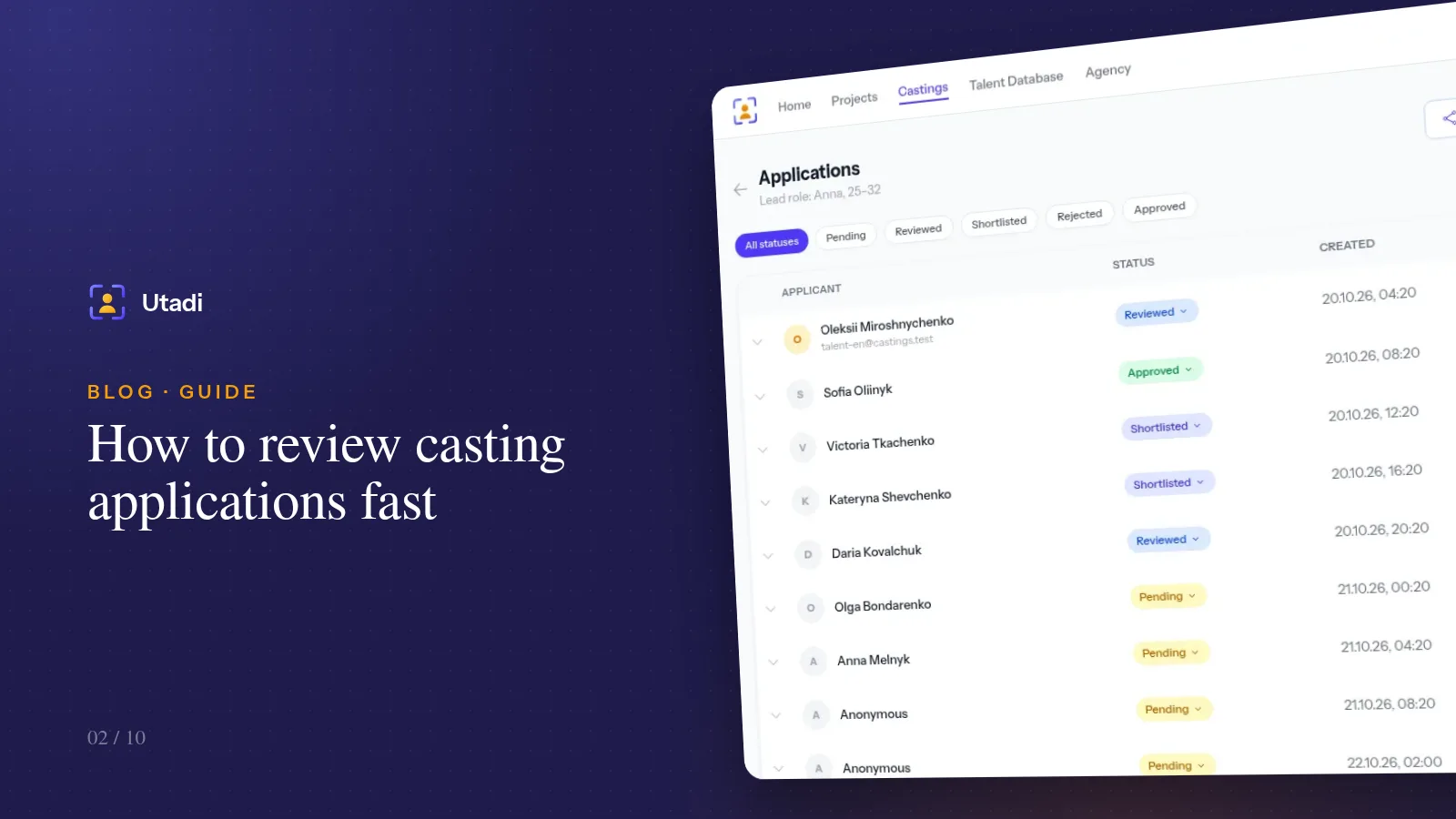
Every reply, whatever channel it came from, lands in the casting's applications list. Each application has a status: Pending → Reviewed → Shortlisted → Approved, or Rejected. Statuses aren't bureaucracy — they let you stop holding the whole casting in your head: at any moment you can see how many candidates you haven't opened yet and who made the shortlist.
How to get through a hundred applications in an evening without burning out is covered in How to review casting applications fast.
Step 7. Keep the best in your talent database
The casting will end, but strong actors who didn't fit this role will be useful on the next project. Save them to your talent database with photos, measurements, tags and notes. Six months from now you'll find the right type in a minute instead of announcing another casting. More in Building an agency talent database.
Common online casting mistakes
- No deadline. Applications keep coming and the decision keeps slipping.
- Too many required fields. Strong but busy actors close the form at question five.
- Different channels, different lists. When Telegram replies live on a phone and emails in an assistant's inbox, half the candidates get lost.
- Silence after applying. Even a short "thanks, we'll get in touch if you're through" protects your agency's reputation.
- Team decisions in private chats. When several people choose, work in one account and record every choice with a status.
In short
Online casting isn't "posting an ad online" — it's a single stream of applications where every candidate is visible, has a status and nothing gets lost. Write a clear casting call, ask only for the data you need, connect the channels your actors actually use, and your very first casting will take half the time.
Everything this feature does, on one page: Online casting forms.