
AI casting software
Casting automation with AI, no more retyping applications
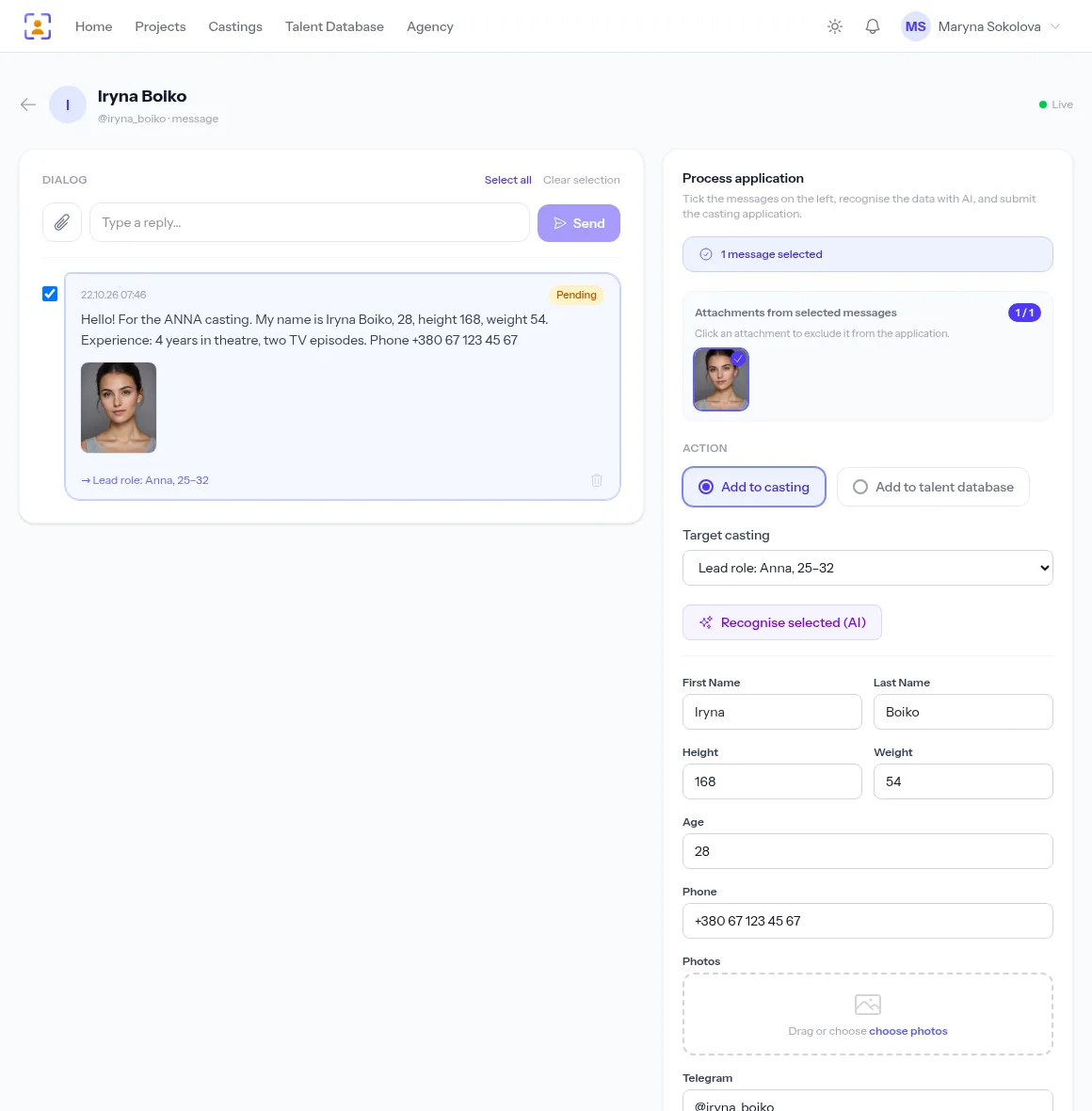
“I’m Iryna, 28, height 168, phone…” — AI finds the name, age, measurements and contacts in free text and fills in the application fields. Fully automatic for mass castings, one click with a check for important roles.
- Fields come from that casting’s own form
- The AI takes only what the text says and doesn’t guess what’s missing
- Photos and videos from the messages are attached
A free plan with no time limit, no card required.

Copying data out of messages is the dullest part of casting
Hours of copying
Eight values from a message into eight fields — across a hundred applications that’s a full working day.
The AI moves the values from the message into the form fields in seconds; you only check them.
Typos on the way
One wrong digit in a phone number and you can’t reach your finalist.
The numbers go into the fields straight from the actor’s text, with no retyping.
Extras can’t wait
200 replies for a crowd scene need sorting in one evening, not a week.
With auto-processing, every message with the keyword becomes a finished application while you do something else.
Parsing in one click
In a Telegram conversation, tick the candidate’s messages and click “Recognise selected (AI)”; in an email, “Fill with AI”. Seconds later the form is filled: check it and create the application or a database profile.
- Looks for exactly the chosen casting’s fields
- Works for Telegram and email applications
Auto-processing for mass castings
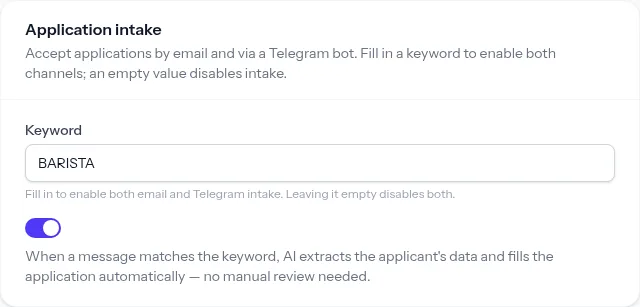
Turn on AI auto-processing for a casting: every message with the keyword is parsed automatically and its photos and videos attached to the same application. These applications carry an “Auto (AI)” badge in the list.
- Never overwrites values that are already filled
- If parsing fails, the application stays for manual review
Ready applications in the same list
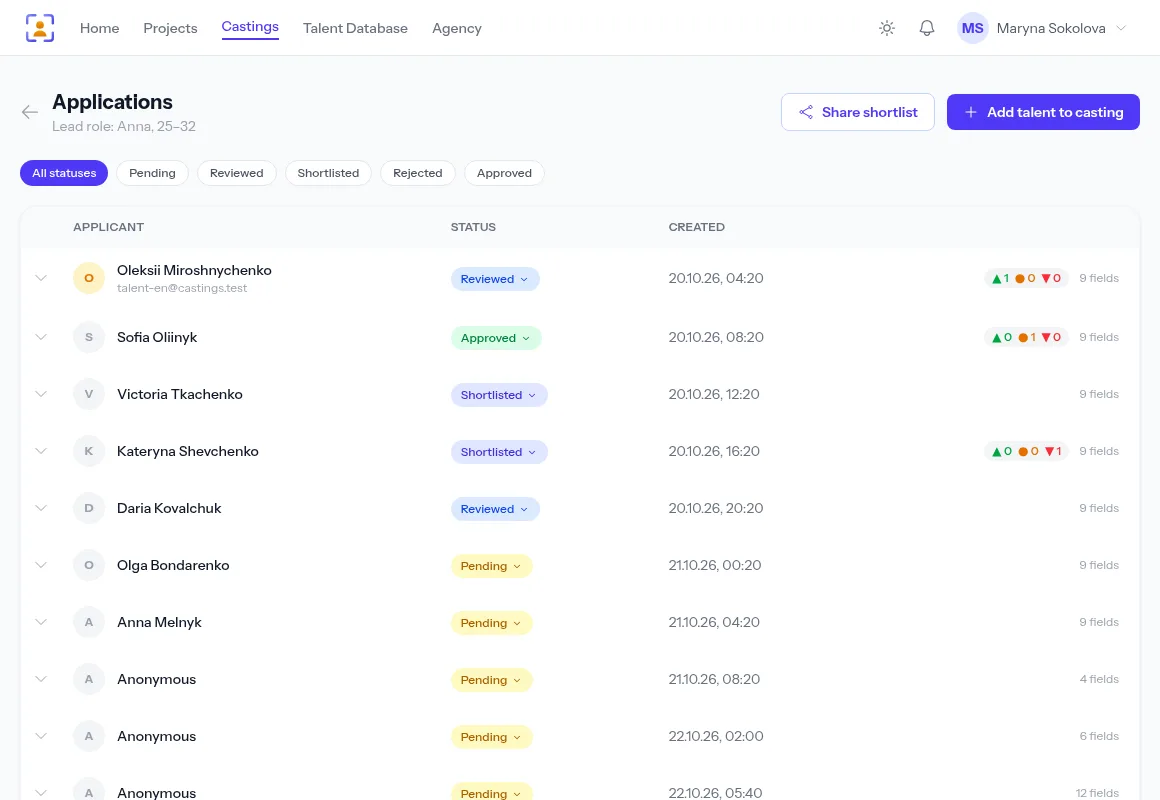
Parsed applications join the casting’s list alongside website submissions, with statuses, filters and a gallery. Selection starts right away, no clean-up first.
- The source of each application is shown on its card
- Send the shortlist to the director as a link
How it works
- 1
A message arrives
At your Telegram bot or mailbox, with the casting keyword.
- 2
AI reads the text
It finds the values of that casting’s form fields.
- 3
Media is attached
Photos and videos from the messages join the same application.
- 4
You choose
A finished application in the list — all that’s left is selection.
Frequently asked questions
What data is sent to the AI?
Only the text of the candidate’s selected messages — no photos, no videos, no other people’s data. Applications stay in your account.
Can the AI make mistakes?
It can, especially with messy messages. That’s why you check the fields before saving in manual mode, and in automatic mode the AI only fills values it found and never overwrites what’s there. Ask applicants to follow a template and accuracy goes up noticeably.
When should I turn on auto-processing?
For extras, promos and commercials with many similar replies. For lead roles and kids’ castings, manual mode with the AI button works better.
Does auto-processing create talent database profiles?
No, it fills in the casting application. To save the person to your database, process the application by hand and choose “Add to agency database”.
Is AI charged separately?
No, parsing comes with Telegram and email intake.
From the blog
AI for casting: automatic parsing of applications from Telegram and email
Actors write the way that suits them, not you. AI splits the free text of a message into the fields of an application form — on demand or fully automatically.
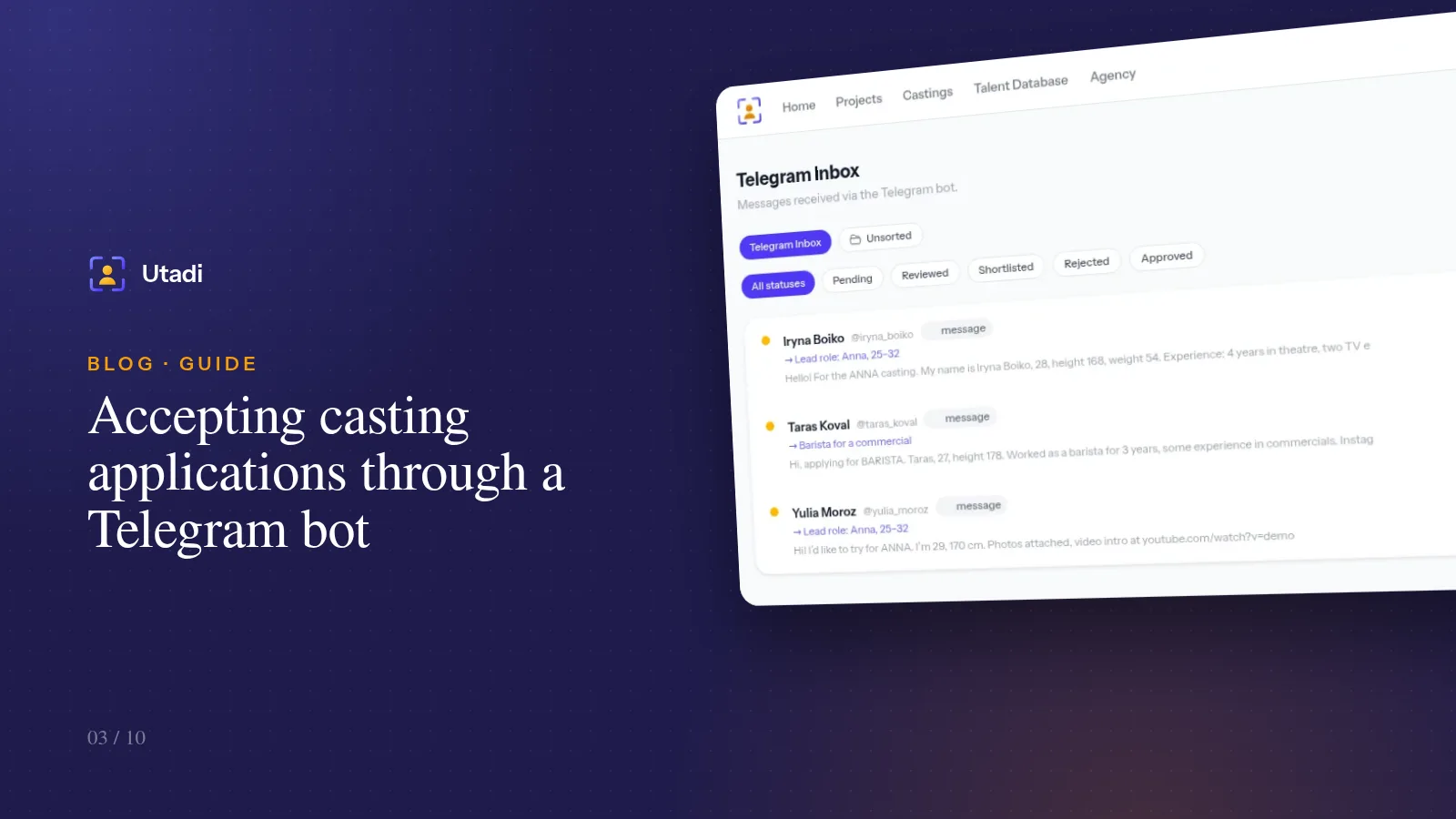
Accepting casting applications through a Telegram bot: a 10-minute setup
Actors have long been answering casting calls on Telegram. Connect your agency's bot and messages with photos and videos turn into applications for the right role on their own.
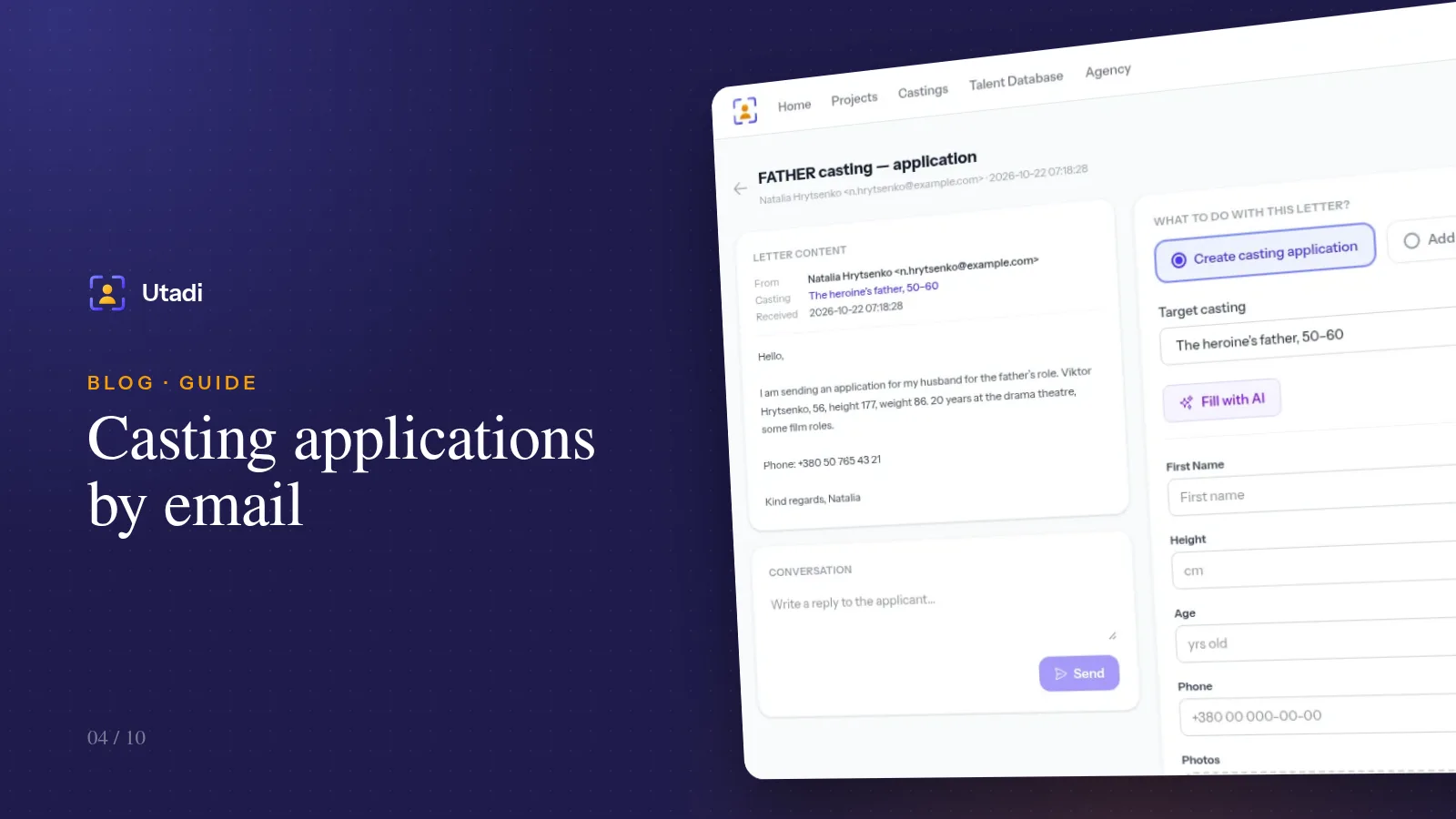
Casting applications by email: connect your mailbox and stop sorting it by hand
Agents and experienced actors still send portfolios by email. Connect your mailbox over IMAP and emails with the casting keyword become applications for the right role on their own.
More features

For casting directors
Online auditions, self-tapes, statuses and shortlists for the director, in one tool.
Learn more
For model agencies
A talent database, castings, team permissions and an agency website for casting and model agencies.
Learn more
Agency database
A talent database with photos, measurements, tags and filters by type.
Learn more
Online casting forms
A casting form with the fields, photos and self-tapes you need — no sign-up for actors.
Learn more
Casting call template
A ready casting call text and application form — copy them or publish them as an online form.
Learn more
Telegram & email intake
Your Telegram bot and mailbox turn messages into applications for the right role.
Learn more
Telegram casting bot
Your agency’s own bot takes applications by keyword and announces new castings.
Learn more
Applicant tracking
Every casting submission in one list: statuses, photos, self-tapes and replies to applicants.
Learn more
Shared shortlists
A shortlist link: the client reviews candidates without an account and votes.
Learn more
PDF & Excel export
PDF presentations, Excel and a media archive from your database — with your logo and no stray contacts.
Learn more
Agency website
An agency page on your own subdomain: castings, actor subscriptions and a widget for your site.
Learn more
API & integrations
A REST API with PHP and Python libraries: castings, applications and talent on your own website.
Learn moreLet AI copy the data — keep the casting decisions
Connect a Telegram bot or mailbox and switch on auto-processing for your next mass casting.
Start for freeA free plan with no time limit, no card required.