
API & integrations
A casting agency API for castings and forms on your own site
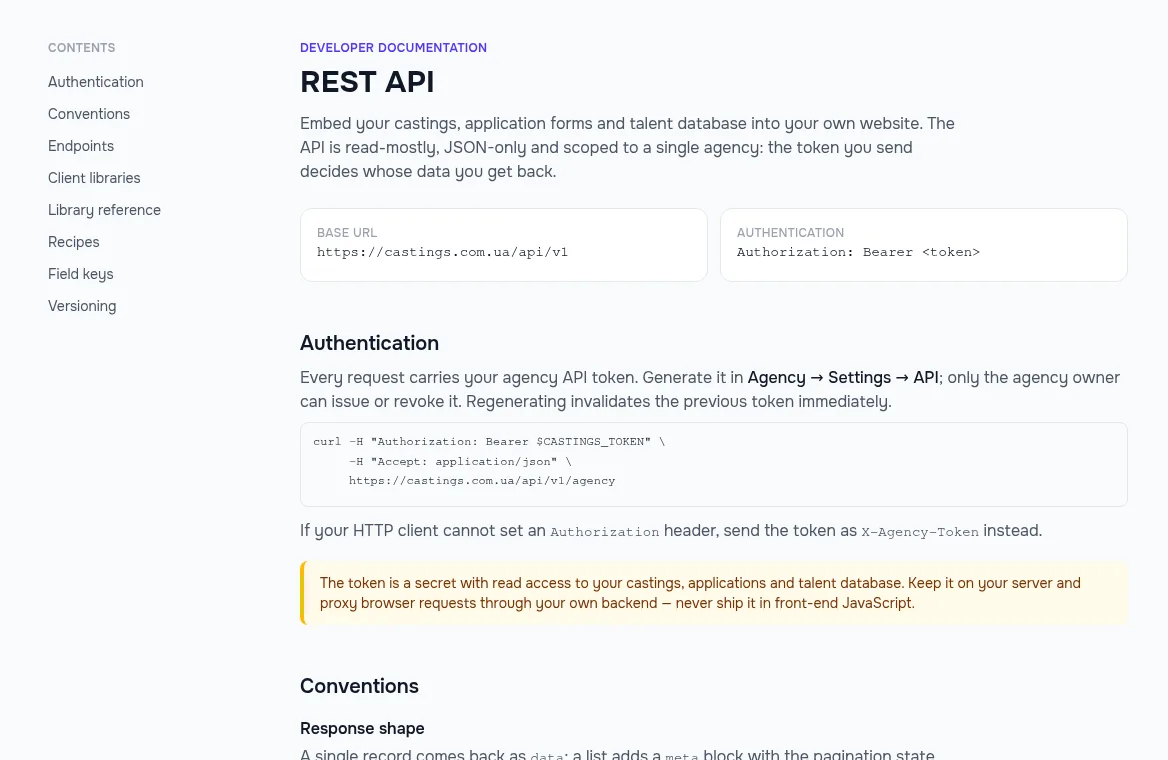
Show open castings on your agency website, take applications through your own form and pull your talent database into a CRM — over a REST API that answers in JSON. You issue the token in the agency settings, and the ready-made PHP and Python libraries shrink the integration to a few lines.
- Castings, form fields, applications and talent
- API submissions land in the same list as web-form ones
- Dependency-free PHP and Python libraries
A free plan with no time limit, no card required.

An agency’s website and its castings usually live apart
Publishing twice
A role is published in the system, then again by hand on the agency website.
A casting published in your account shows up in the API, and on your site, straight away.
Your form, your inbox
The form on your site sends emails, and someone copies them into the database by hand.
An application from your own form joins the casting’s list through the API, photos and videos included.
Locked-in data
Your actors are in the database, but there is no way to show them in a catalogue on your site or a CRM.
The API serves profiles from the agency database for a catalogue on your site or a CRM sync.
Your castings on your website
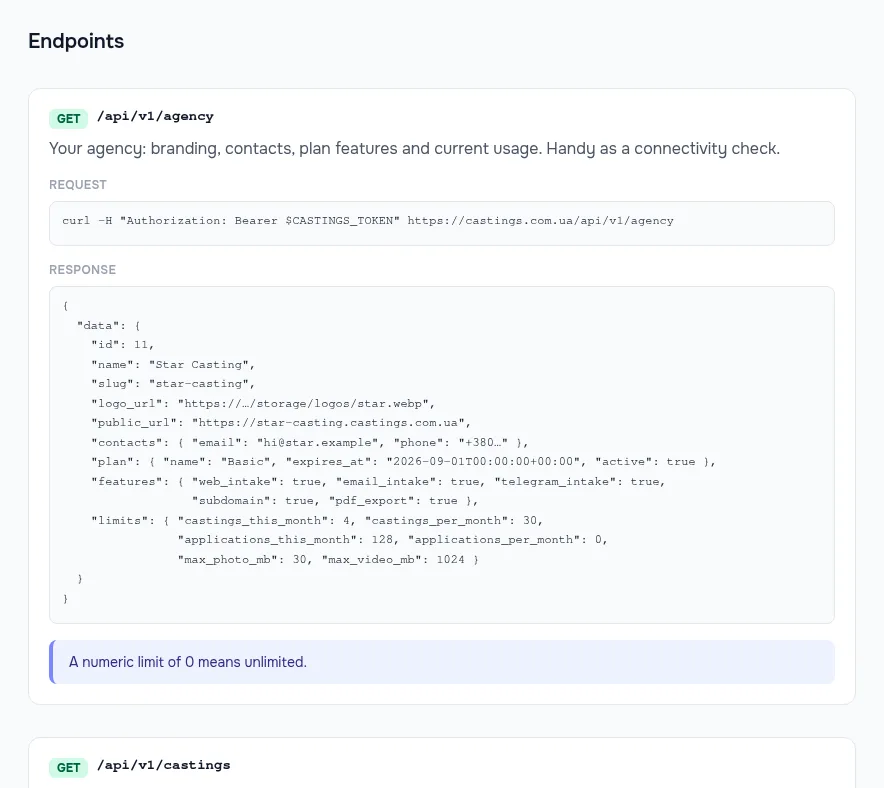
The list of published castings, a role page and the set of fields on its form — everything you need to show open roles in your own site’s design. Publish a casting in the app and it appears in the API too.
- Paginated lists with a predictable response shape
- Form fields come with their rules: required or not, photo limits
Applications through your own form
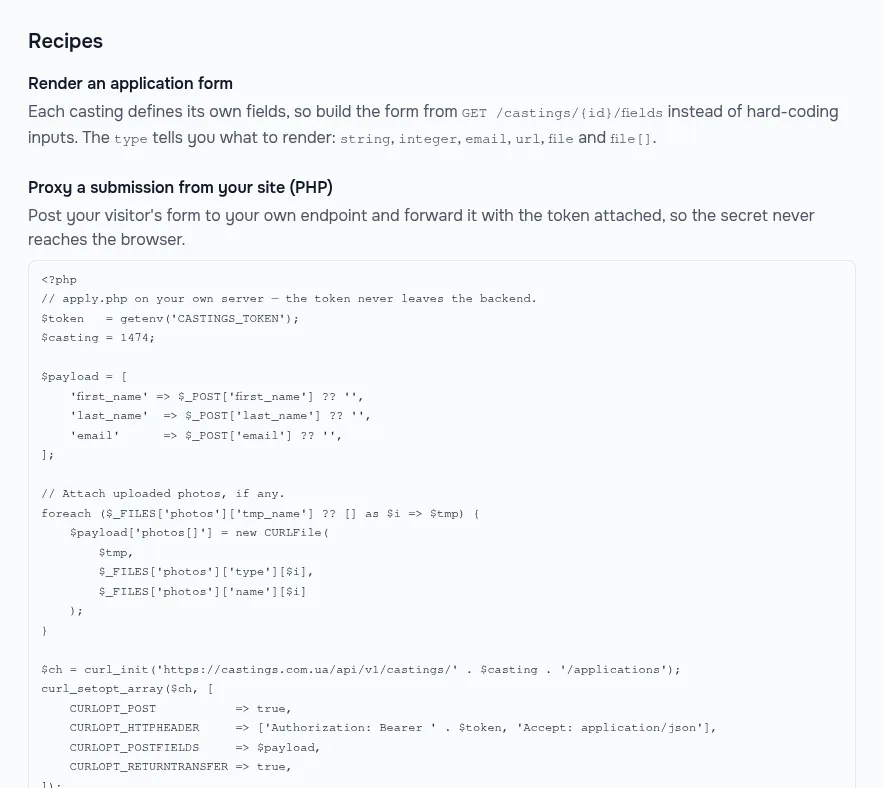
Send an actor’s application from your website to a casting, photos and videos included. It goes through the same checks as the casting-page form and joins the shared applications list, with a notification to the casting director.
- Validation errors come back per field
- A repeat application from the same actor is recognised
Talent for your catalogue and CRM
Pull profiles from the agency’s private database to show a catalogue on your website or keep a CRM in sync. Actors’ contacts are left out by default — you have to ask for them explicitly.
- Only your agency’s actors, nobody else’s data
- Casting applications are available to pull as well
Ready-made PHP and Python libraries
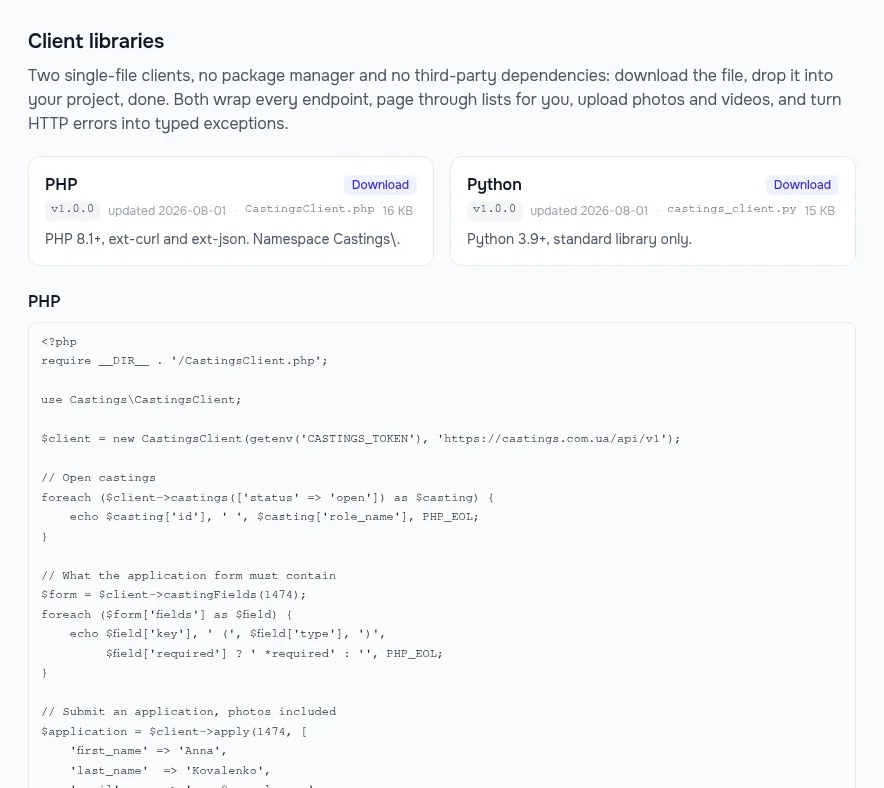
A single file with no dependencies: connecting, paging through lists, uploading files and clear exceptions — a bad token, field errors, a duplicate application, a rate limit hit.
- PHP 8.1+ and Python 3.9+
- A reference for every method in the docs
How to connect
- 1
Issue a token
The API tab in the agency settings.
- 2
Get a library
PHP or Python — or call the REST API directly.
- 3
Show your castings
Roles and the form, in your website’s design.
- 4
Take applications
They arrive in the app with all the others.
Frequently asked questions
Where do I get a token?
The agency owner issues it on the API tab of the agency settings. The token can be regenerated or revoked there too — the old one stops working at once.
Can the API see other agencies’ data?
No. Every request is limited to the token owner’s agency; other agencies’ castings, applications and profiles don’t exist for it.
Does the API return actors’ contacts?
Only when you ask for them explicitly. By default profiles come without phone numbers or email addresses.
Is there a rate limit?
Yes, a number of requests per minute per token. The current value is in the docs, and when you hit it the API tells you how long to wait.
Can I do without a developer?
For the simple case, yes. The agency settings include a ready widget: one snippet of code embeds your castings with the form on your site. The API is for a design of your own or a CRM integration.
From the blog
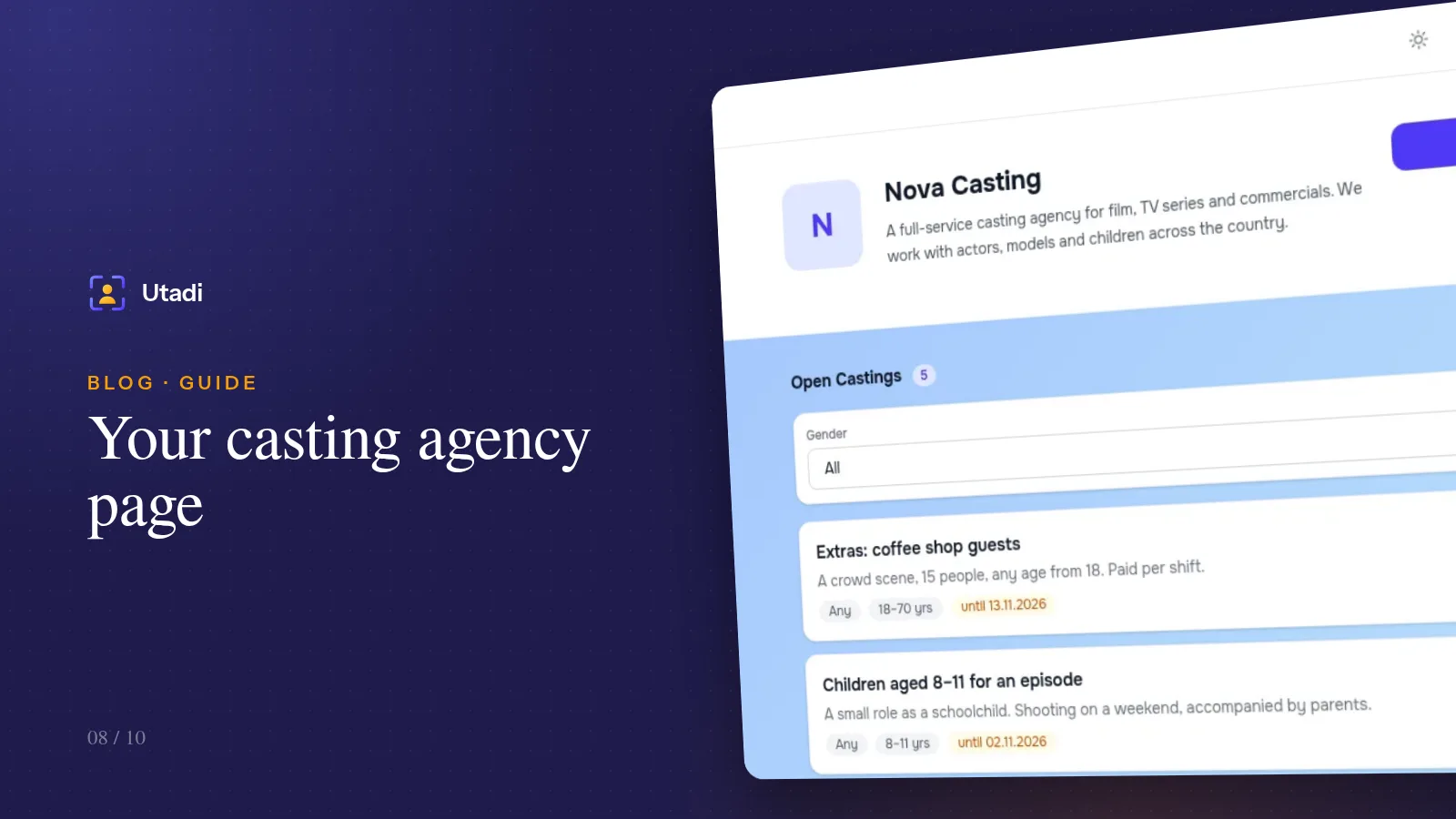
Your casting agency page: a showcase of castings and a subscription for new roles
Your own page with every open casting, your branding and a subscribe button — actors hear about new roles first, and you get applications without paying for ads.
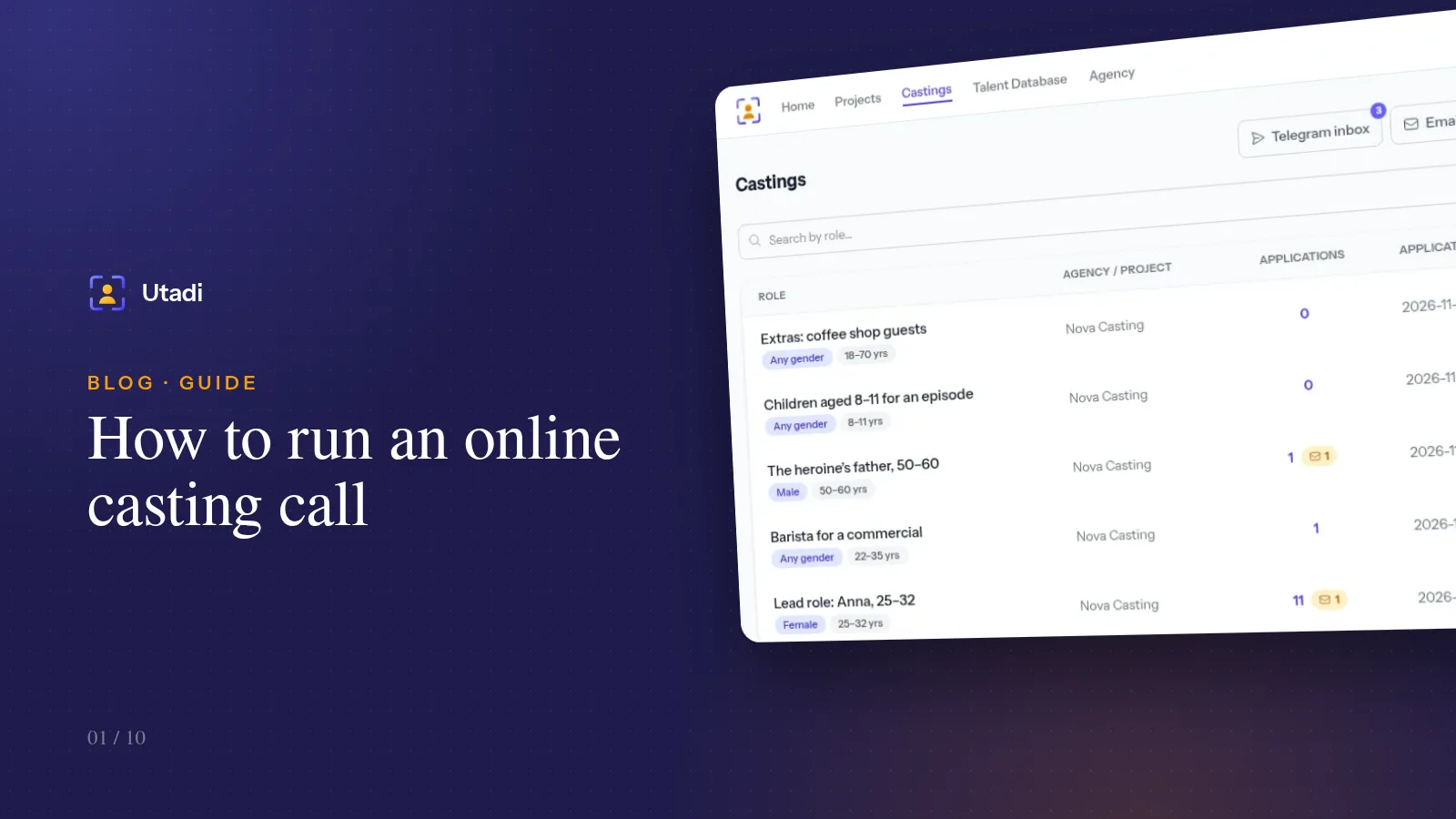
How to run an online casting call: a step-by-step guide for casting directors
From the announcement to the approved actor — how to publish a casting call, collect every application in one place and never lose a candidate.
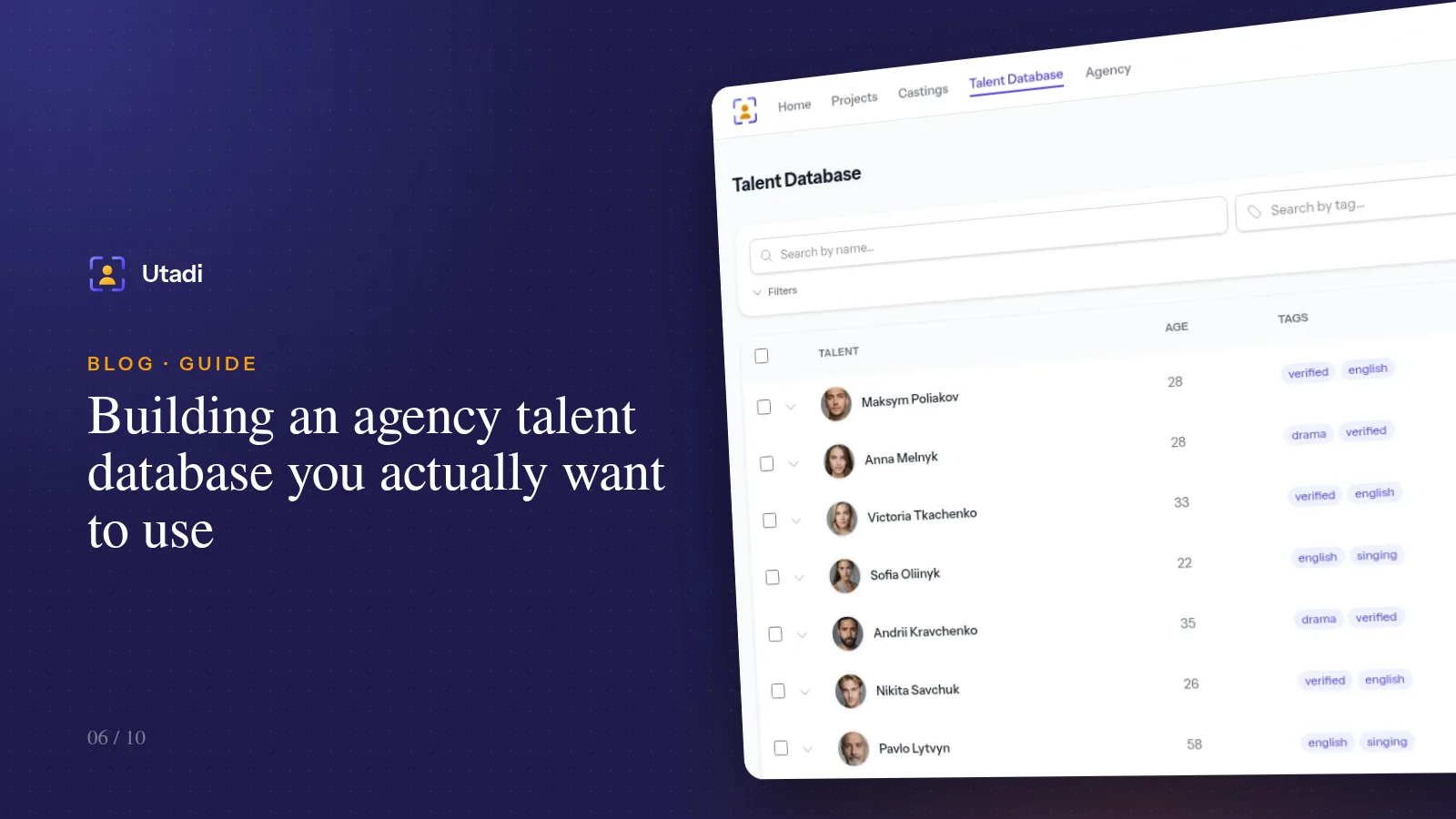
Building an agency talent database you actually want to use
The best casting is the one you don't have to announce, because the right type is already in your database. How to keep an actor database with photos, measurements, tags and notes.
More features

For casting directors
Online auditions, self-tapes, statuses and shortlists for the director, in one tool.
Learn more
For model agencies
A talent database, castings, team permissions and an agency website for casting and model agencies.
Learn more
Agency database
A talent database with photos, measurements, tags and filters by type.
Learn more
Online casting forms
A casting form with the fields, photos and self-tapes you need — no sign-up for actors.
Learn more
Casting call template
A ready casting call text and application form — copy them or publish them as an online form.
Learn more
Telegram & email intake
Your Telegram bot and mailbox turn messages into applications for the right role.
Learn more
Telegram casting bot
Your agency’s own bot takes applications by keyword and announces new castings.
Learn more
AI casting software
AI turns message text into application fields — on demand or fully automatically.
Learn more
Applicant tracking
Every casting submission in one list: statuses, photos, self-tapes and replies to applicants.
Learn more
Shared shortlists
A shortlist link: the client reviews candidates without an account and votes.
Learn more
PDF & Excel export
PDF presentations, Excel and a media archive from your database — with your logo and no stray contacts.
Learn more
Agency website
An agency page on your own subdomain: castings, actor subscriptions and a widget for your site.
Learn moreConnect your castings to your website
Create an agency for free, issue a token and make your first request.
Start for freeA free plan with no time limit, no card required.