
Shared shortlists
A casting shortlist for the director on a private link, with voting
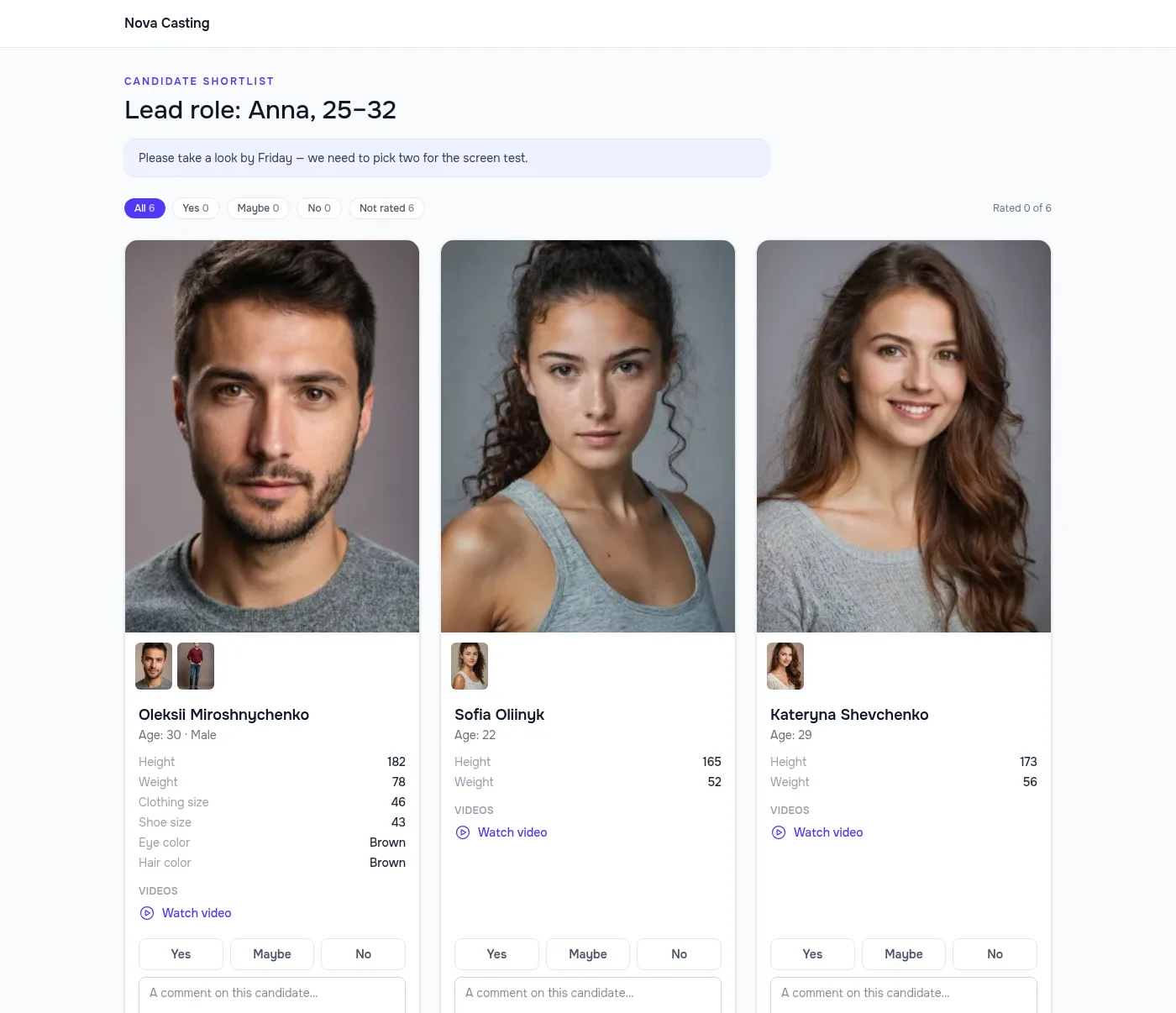
Pick your candidates and send the shortlist as one link. The director, producer or client sees photos, measurements and self-tapes without signing up, marks each one Yes / Maybe / No and leaves comments — and their decisions appear right in your applications.
- No login and no sign-up for the recipient
- Votes and comments come back into your applications
- Actors’ contacts stay hidden unless you reveal them
A free plan with no time limit, no card required.

Getting a shortlist signed off takes longer than picking it
Screenshots and zip files
Build a deck from profiles, upload videos to a drive, send three files — and hope they open.
One link instead of files: photos, measurements and self-tapes on one page, on a phone too.
Answers in a chat
“Yes to the second and fifth, no to the one in blue” — then half an hour figuring out who is who.
Each reviewer votes “Yes / Maybe / No” on the candidate’s card, and the vote shows up in the application at once.
Contacts leak
The shortlist gets forwarded, and actors’ phone numbers end up with strangers.
Contacts are hidden in the shortlist by default, and the link can expire or be revoked.
One link for the whole shortlist
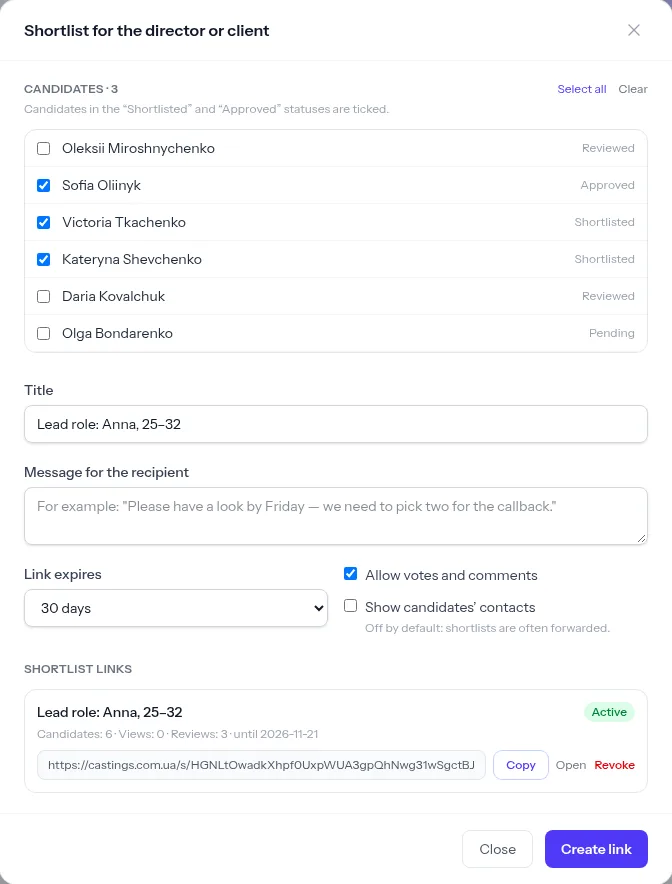
On the applications page, click “Share shortlist”: candidates in the Shortlisted and Approved statuses are already ticked, tick any others you want. Add a title, a message for the recipient and how long the link lives.
- Links for 7, 30 or 90 days, or with no expiry
- Views and review counts for every link
- Revoke a link in one click
- A password on the link, your own or generated
Easy for the client to review
Candidate cards with photos and a gallery, age, measurements and self-tapes right on the page. Your agency’s logo and name sit in the header, so the client sees a selection from you.
- Works well on a phone
- The link can’t be guessed, and search engines don’t index it
- Contacts only if you switched them on
Votes and comments in your applications
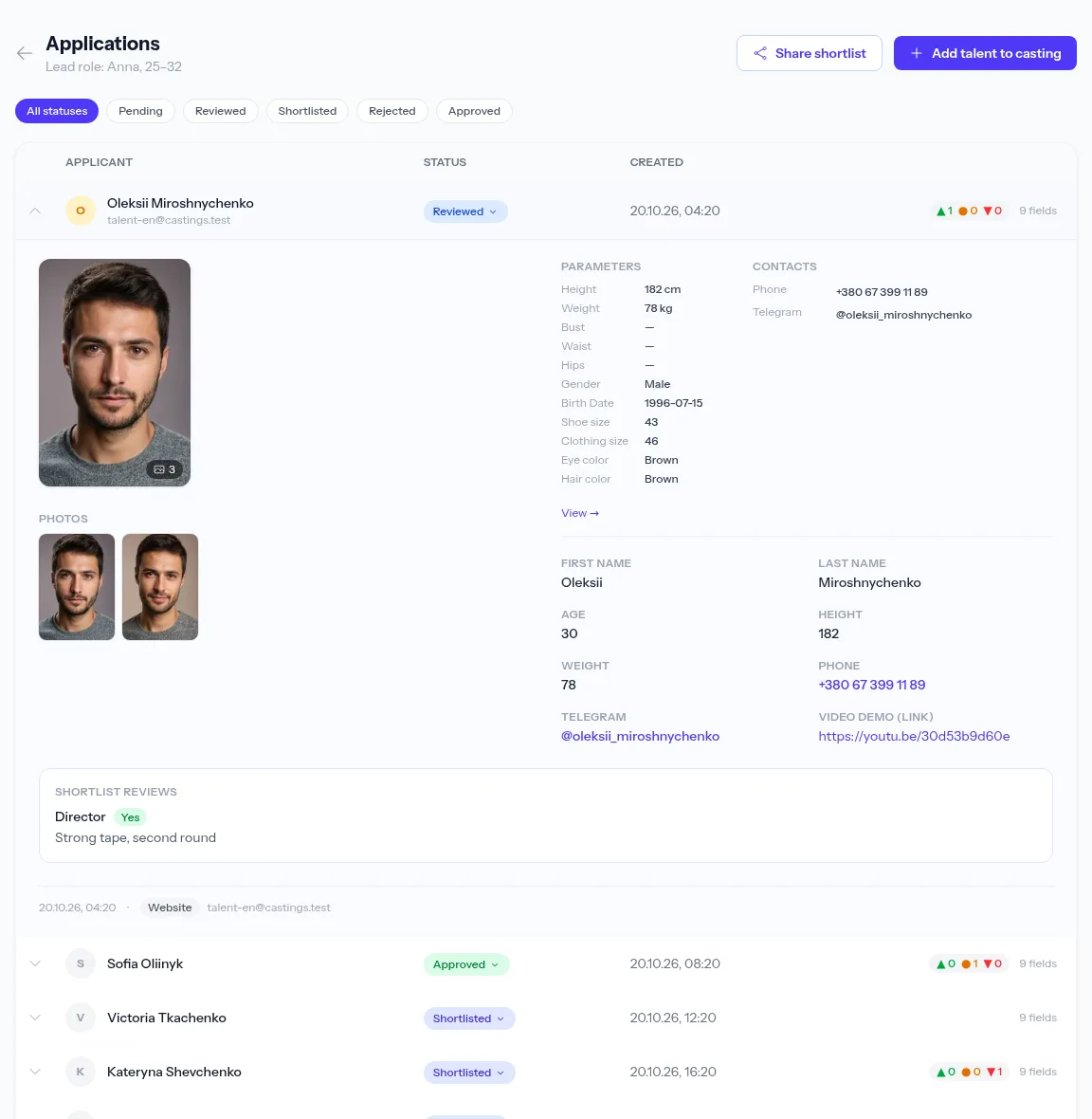
Everyone who opens the link marks candidates Yes / Maybe / No and comments under their own name. On the applications page each candidate shows a vote counter, and the card lists every review.
- Several reviewers on one link
- Marks are saved and can be changed
PDF, Excel and ZIP when you need a file
For a presentation or print, export talent from the agency database to PDF in four layouts with your agency’s logo, to Excel for the producer and wardrobe, or to a ZIP with every photo and video uncompressed.
- Choose the fields; contacts are off by default
- Large exports are built in the background

How to share a shortlist
- 1
Pick candidates
Set Shortlisted on those who go through.
- 2
Create a link
“Share shortlist” — title, message, expiry.
- 3
Send it
By messenger or email — whatever suits.
- 4
See the decisions
Votes and comments appear in the casting’s applications.
Frequently asked questions
Does the client need an account?
No. The recipient opens the link in a browser and types their name at the first vote — that’s it. You see the name next to their votes.
Will the client see the actors’ contacts?
Only if you switched on “Show candidates’ contacts” when creating the link. They’re hidden by default, because shortlists often get forwarded.
Can several people review the same link?
Yes. Each reviewer votes under their own name, and you see every review for each candidate.
What happens when I revoke a link?
The page stops opening at once and says the link no longer works. Votes and comments left earlier stay in the applications.
Are self-tapes included in the shortlist?
Yes: videos attached to the application as a file or a link play or open right on the shortlist page.
From the blog
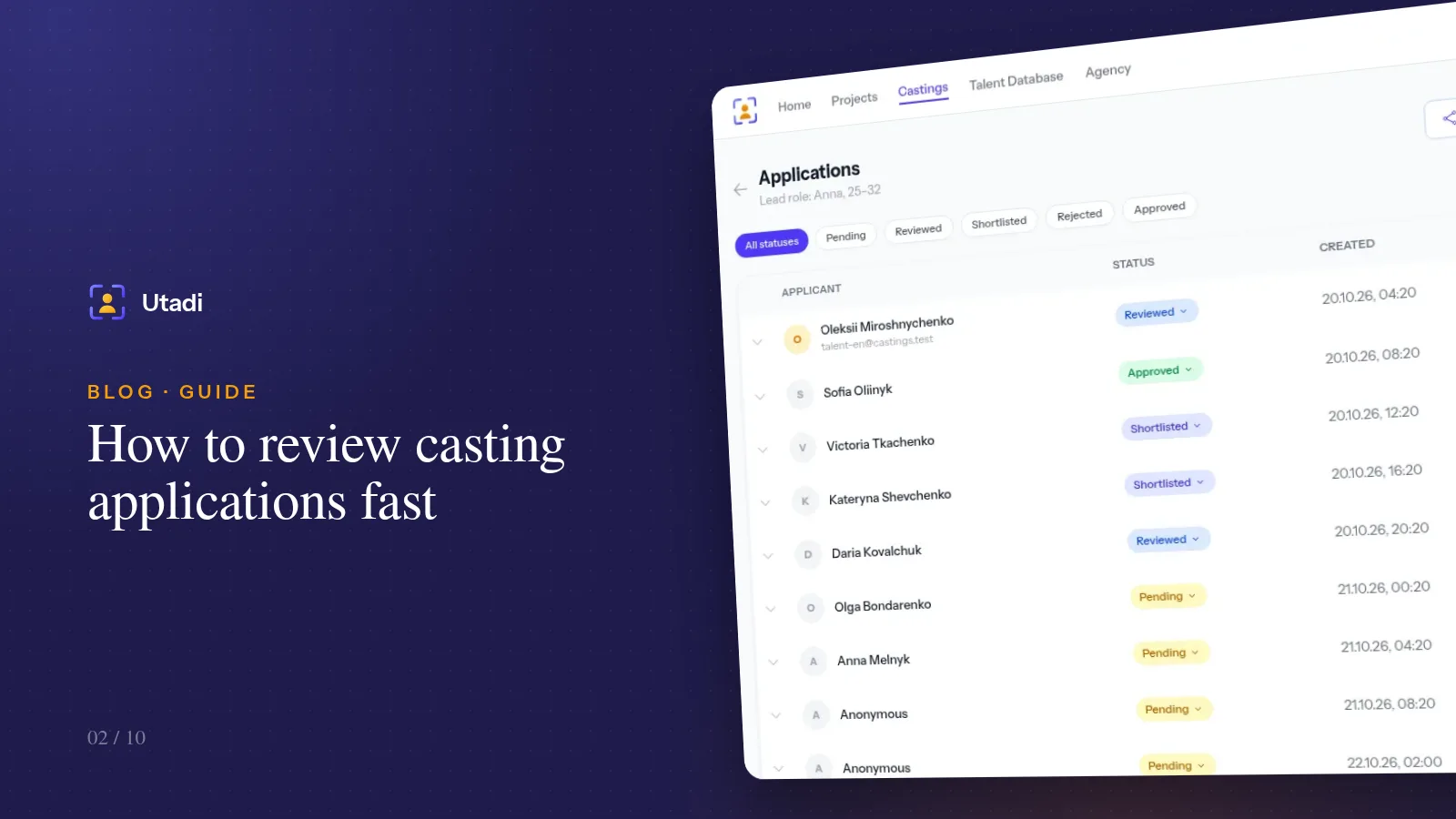
How to review casting applications fast: statuses, shortlists and teamwork
A hundred applications in one evening is doable if you never read the same profile twice. A status system, a review order and habits that save hours.
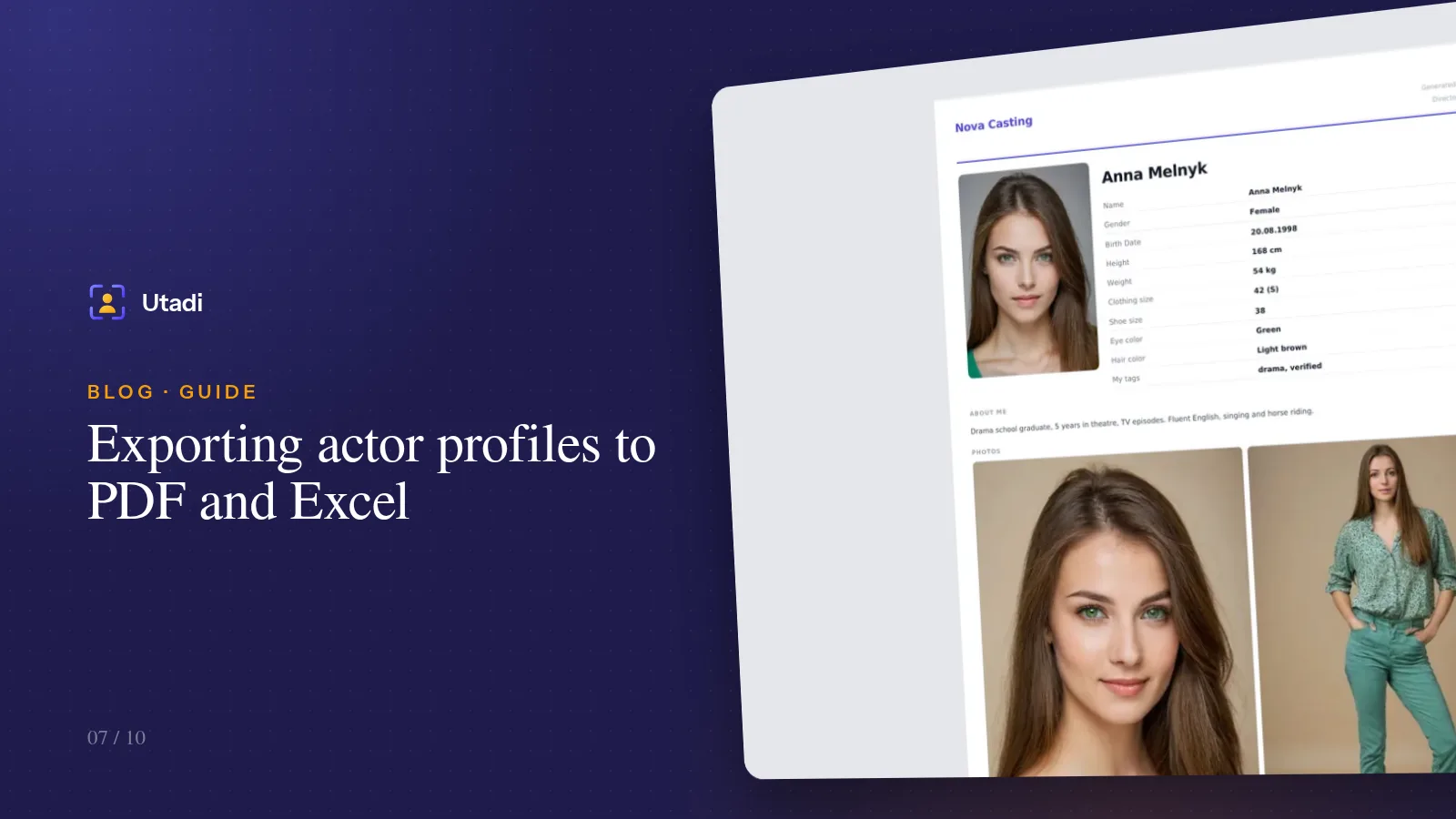
Exporting actor profiles to PDF and Excel: send a selection to the director in a minute
A polished PDF with photos for the director, a spreadsheet of measurements for the producer, an archive of originals for the editor. The export formats — and how not to send too much.
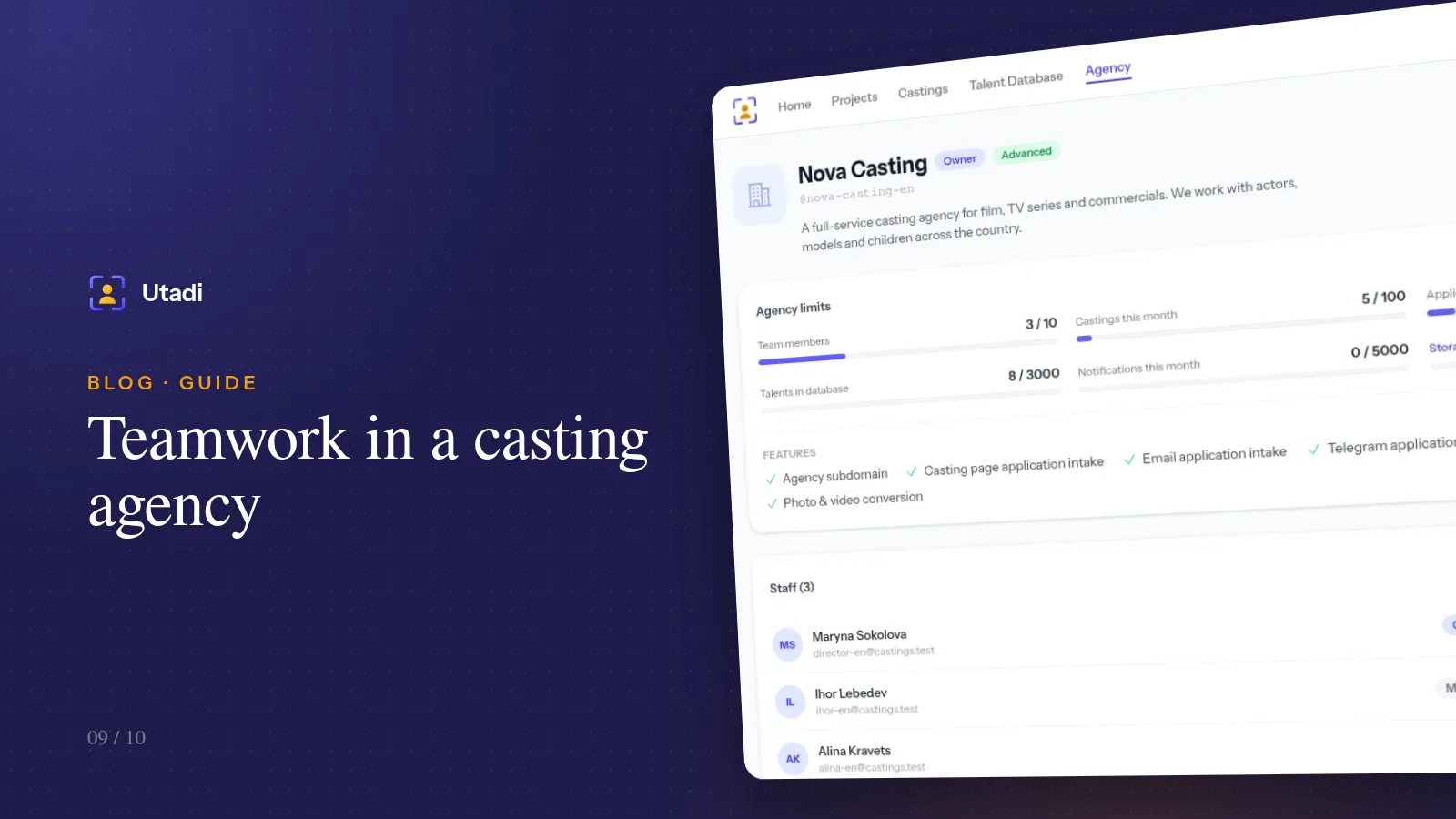
Teamwork in a casting agency: staff, permissions and invite codes
A casting is rarely one person's job. How to bring assistants and colleagues into your agency account, split permissions and stay in control of your castings.
More features

For casting directors
Online auditions, self-tapes, statuses and shortlists for the director, in one tool.
Learn more
For model agencies
A talent database, castings, team permissions and an agency website for casting and model agencies.
Learn more
Agency database
A talent database with photos, measurements, tags and filters by type.
Learn more
Online casting forms
A casting form with the fields, photos and self-tapes you need — no sign-up for actors.
Learn more
Casting call template
A ready casting call text and application form — copy them or publish them as an online form.
Learn more
Telegram & email intake
Your Telegram bot and mailbox turn messages into applications for the right role.
Learn more
Telegram casting bot
Your agency’s own bot takes applications by keyword and announces new castings.
Learn more
AI casting software
AI turns message text into application fields — on demand or fully automatically.
Learn more
Applicant tracking
Every casting submission in one list: statuses, photos, self-tapes and replies to applicants.
Learn more
PDF & Excel export
PDF presentations, Excel and a media archive from your database — with your logo and no stray contacts.
Learn more
Agency website
An agency page on your own subdomain: castings, actor subscriptions and a widget for your site.
Learn more
API & integrations
A REST API with PHP and Python libraries: castings, applications and talent on your own website.
Learn moreGet your next shortlist approved by link
Create an agency for free and send your first shortlist to a director today.
Start for freeA free plan with no time limit, no card required.