
PDF & Excel export
A talent presentation for your client, from the database to PDF in a minute
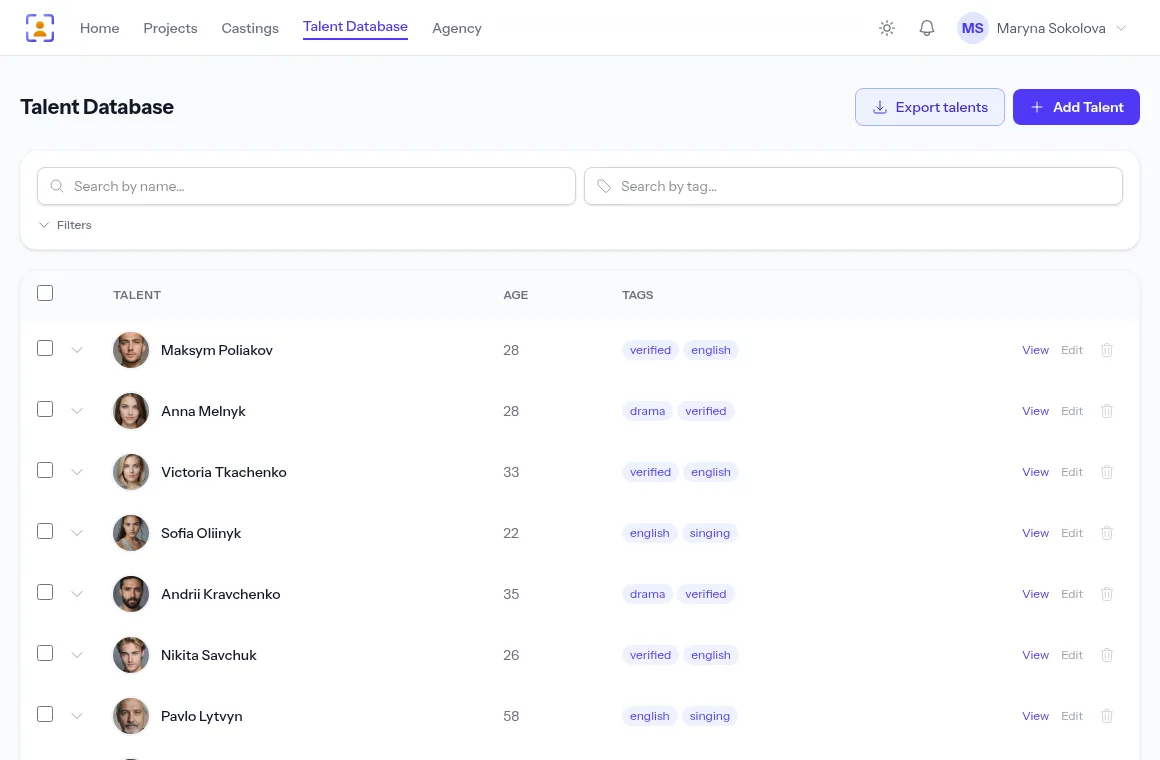
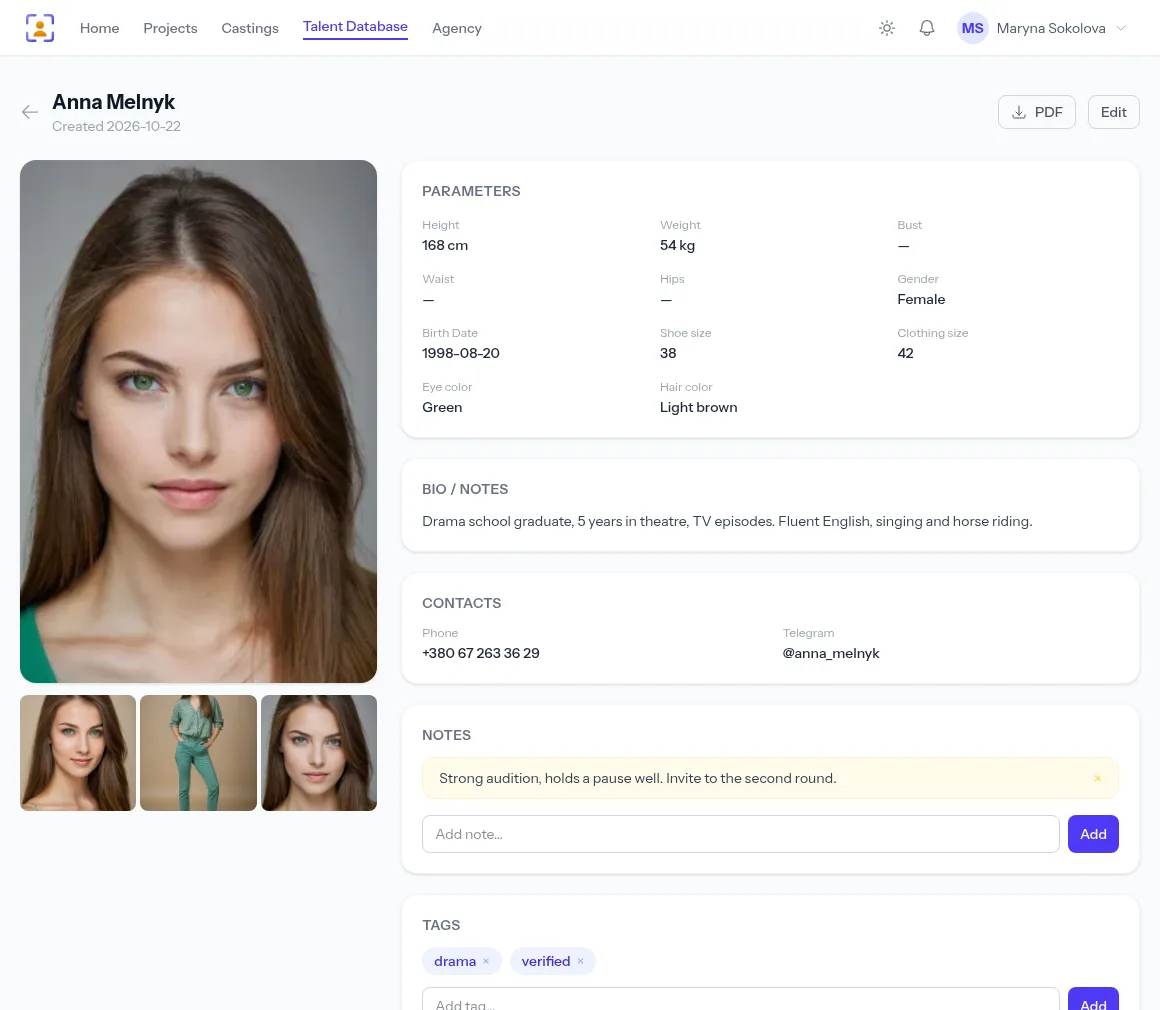
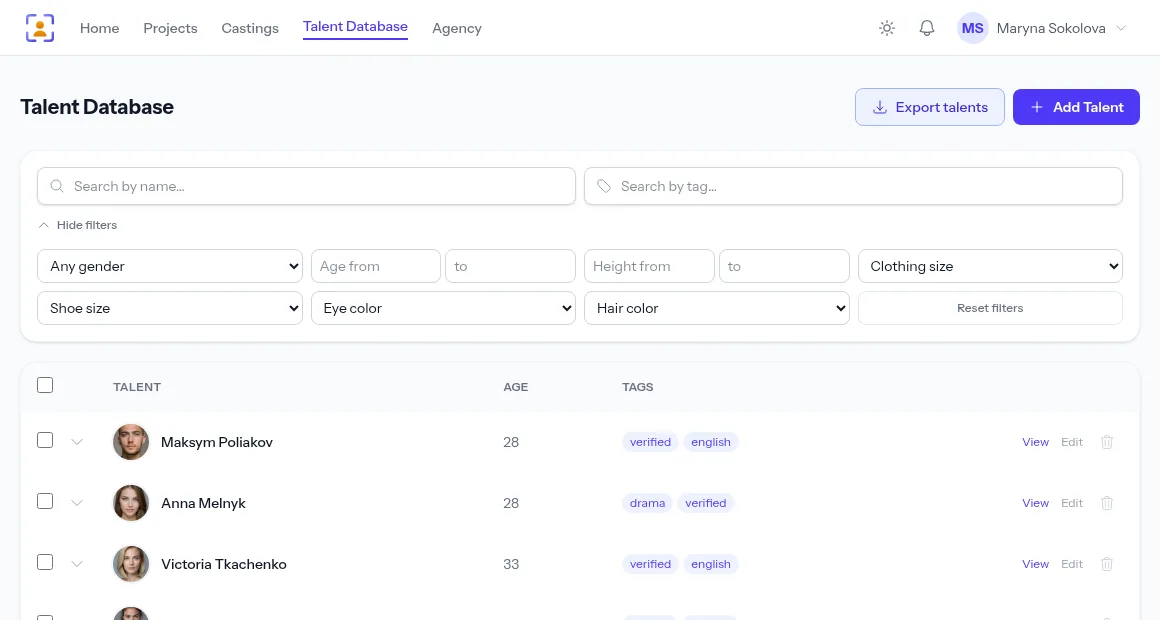
Tick actors in your database or filter for the type you need, then export them to a PDF with your agency logo, to Excel for the producer, or to an archive with every photo and video. You decide which fields go into the file, and contacts stay with you by default.
- Four PDF layouts, from a table to a page per actor
- Excel with the photo right in the row
- Actors’ contacts are off by default
A free plan with no time limit, no card required.

Building the presentation takes longer than picking the actors
Assembled by hand
Copy each actor’s photos and details into a document, line them up, save — and do it again for the next client.
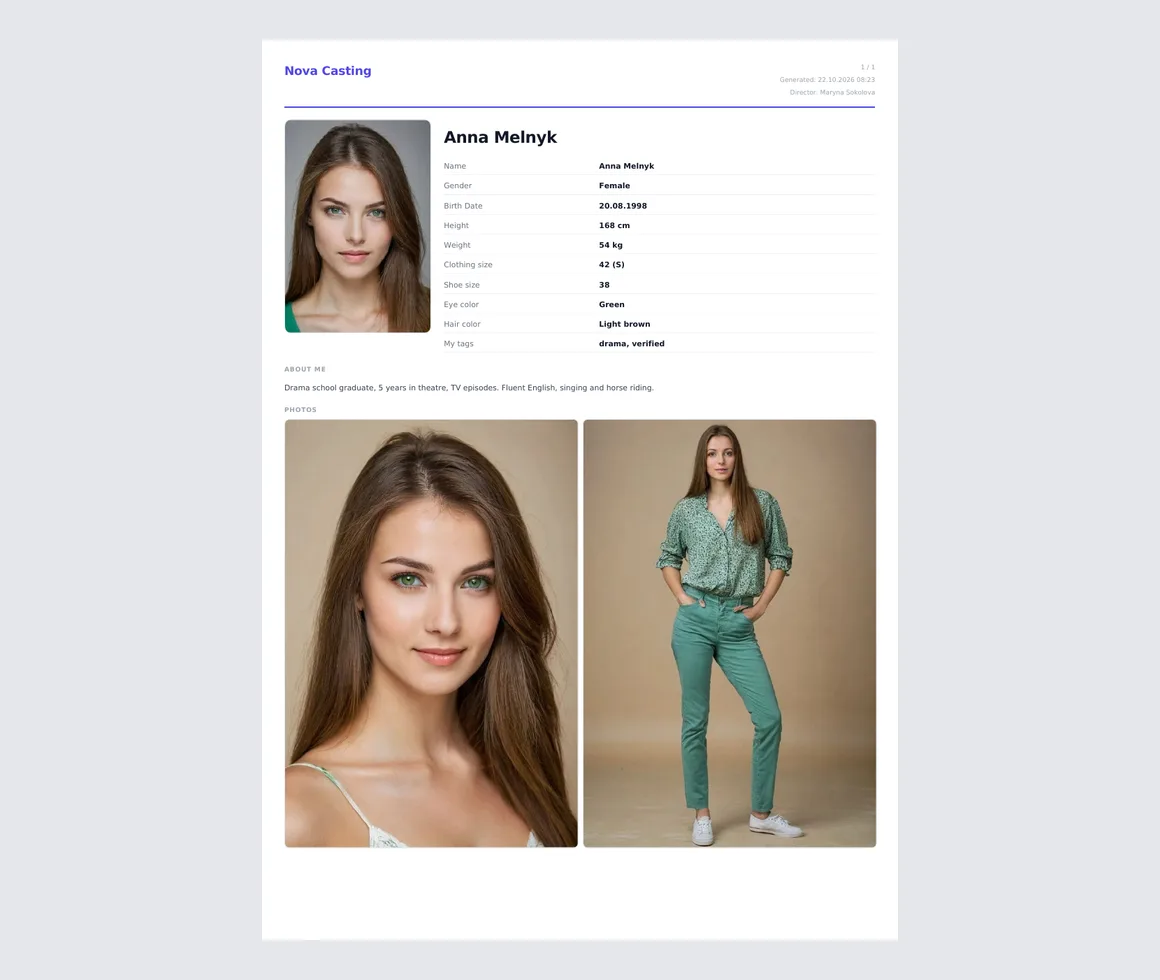
Tick the actors or set a filter, and the PDF with photos and measurements builds itself.
Too much gets out
A forwarded presentation still carries the actors’ phone numbers, and the client calls them directly.
Contacts are off by default and go into the file only if you tick them.
Video won’t fit in an email
Self-tapes get uploaded to the cloud one by one and the links sent around.
A ZIP archive puts the photos and videos of every selected actor into folders in one file.
PDF in four layouts
List — a table of measurements without photos, for quick comparison. Cards — a page per actor: the headshot, extra photos and every selected field. And two contact sheets: 4 actors per landscape page or 6 per portrait page.
- Your agency’s logo and name in the header
- The platform’s name never appears in the file
- Export a single actor straight from their profile
Excel for the producer and the costume team
One row per actor: the headshot next to the name, then the selected details. Phone numbers and sizes are kept as text and never turn into numbers, so the sheet is ready to sort and forward.
- Every page of the filter results, not just the current one
- Only the fields you picked
An archive with every photo and video
In the ZIP archive each actor gets a folder with their photos and videos as stored, plus a shared spreadsheet listing everyone. Handy when the client needs source files for editing or print.
- The headshot is the first file in each folder
- Large archives are built in the background
Fields for the job, contacts under control
Before exporting, tick what goes into the file: basic details, measurements, contacts, the “About” section, the team’s tags and notes. Remember the set, or change it for a single export without touching the saved one. Contacts are off by default, so the selection is safe to forward.
- Export the whole filter or just the actors you ticked
- A large export notifies you when it’s ready
How to export
- 1
Find the actors
Filter by type or tick them in the list.
- 2
Pick a format
PDF, Excel or a media archive.
- 3
Choose the fields
You decide what the client sees.
- 4
Download the file
Straight away, or on notification for a large export.
Frequently asked questions
How many actors can I export at once?
The whole filter result, across all pages. A small export downloads straight away; a large one is built in the background and you get an in-app notification when the file is ready.
Will the actors’ contacts be in the file?
Only if you tick them in the field list. Contacts are off by default because presentations often get forwarded.
Will the PDF carry my agency’s logo?
Yes. Every PDF is headed by your agency’s logo and name, and the platform isn’t mentioned at all.
How long is the finished file kept?
24 hours. Only you can download it, from a link in your account; after that it is deleted, and you can simply run the export again.
Are photos and videos compressed in the archive?
No. The archive is built without compression, so photos and videos go in at their stored quality.
From the blog
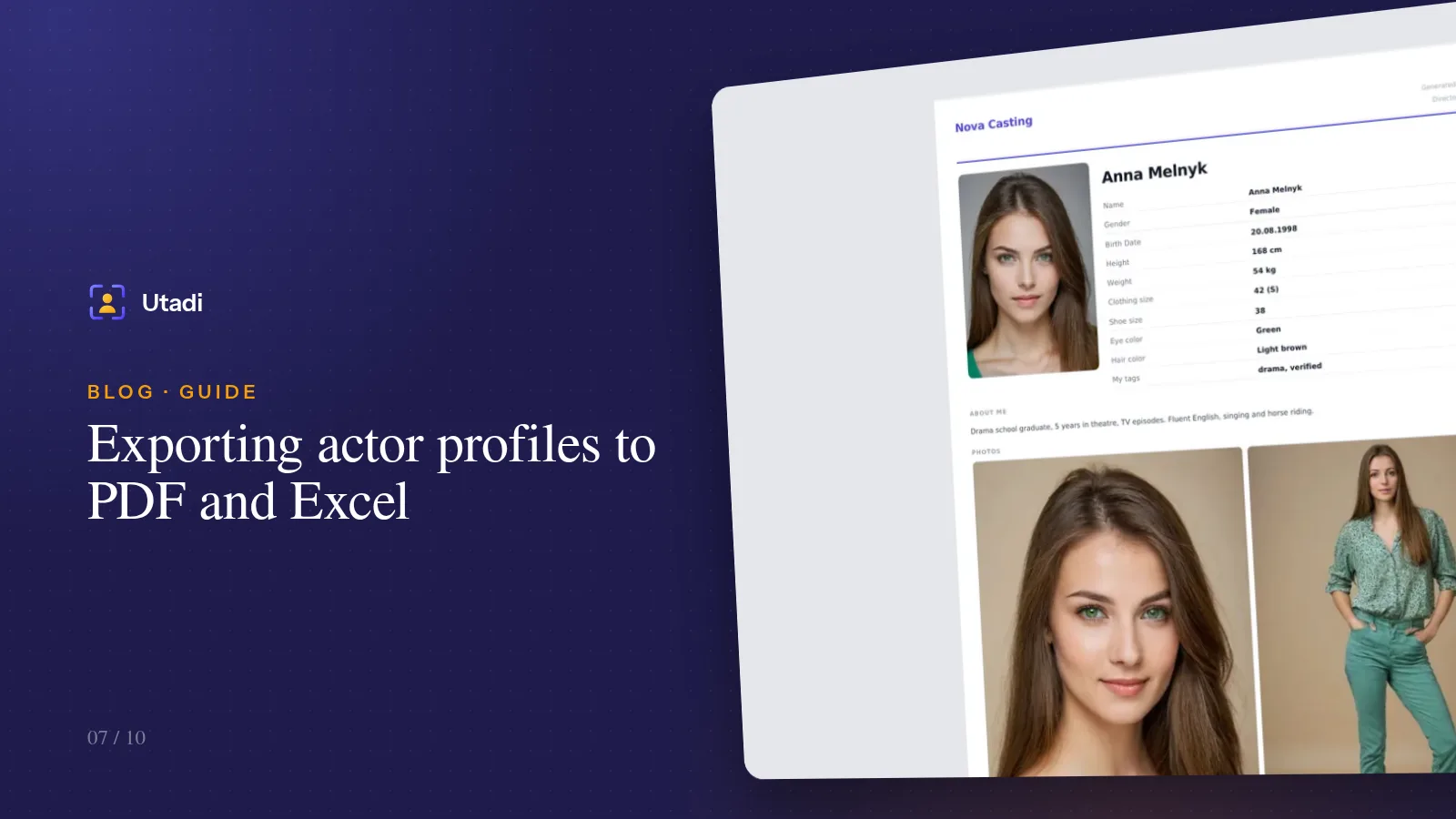
Exporting actor profiles to PDF and Excel: send a selection to the director in a minute
A polished PDF with photos for the director, a spreadsheet of measurements for the producer, an archive of originals for the editor. The export formats — and how not to send too much.
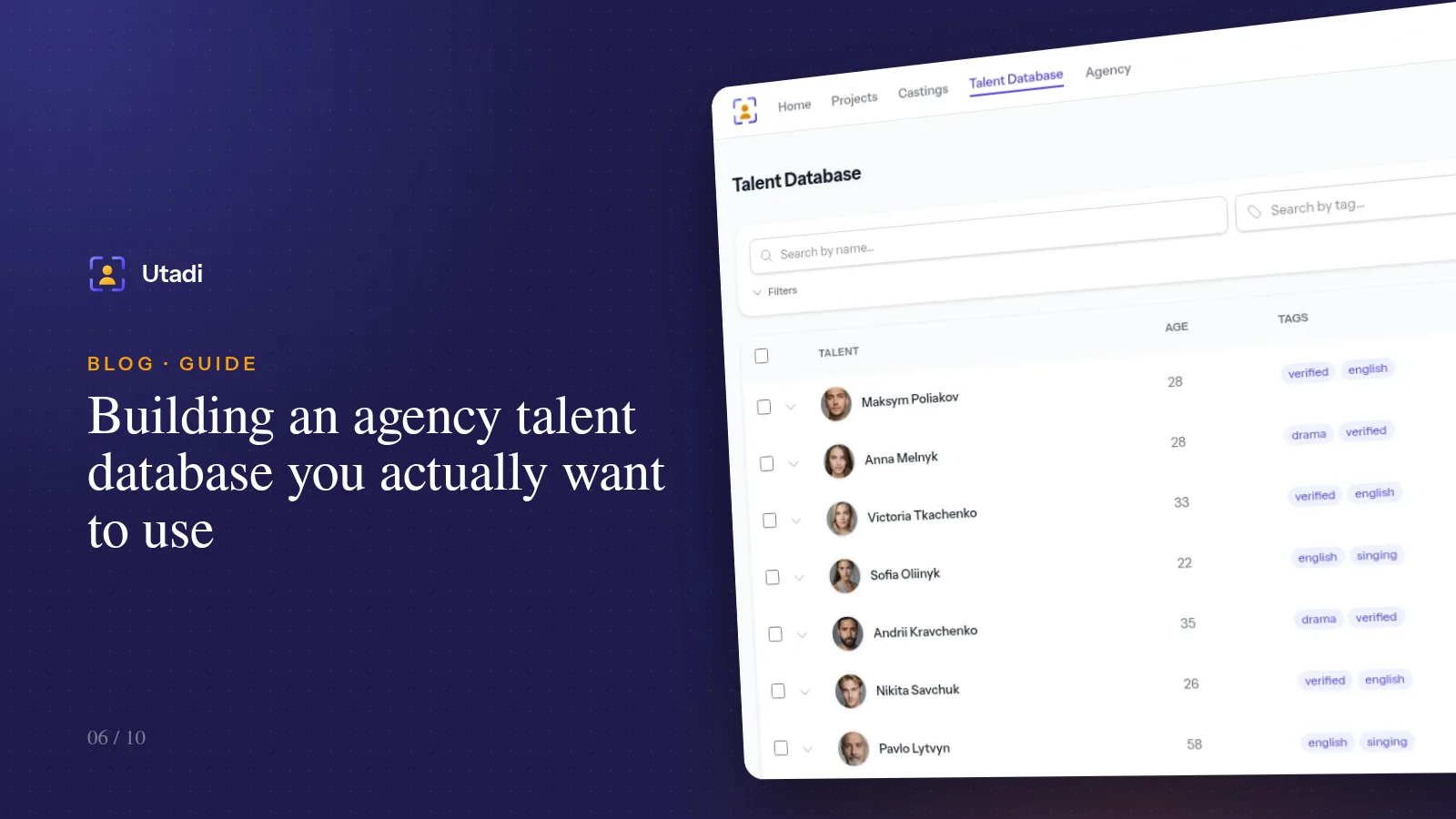
Building an agency talent database you actually want to use
The best casting is the one you don't have to announce, because the right type is already in your database. How to keep an actor database with photos, measurements, tags and notes.
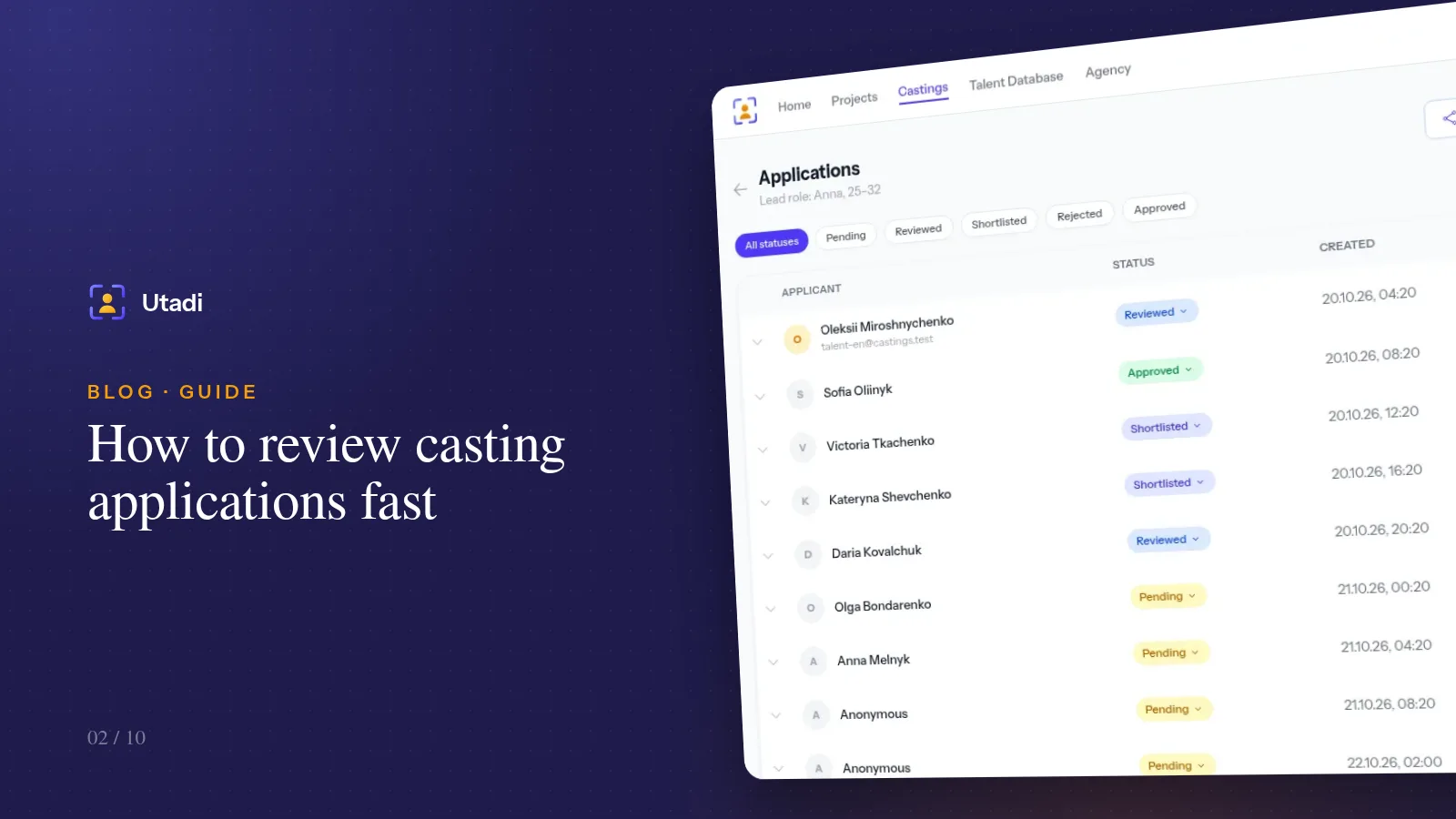
How to review casting applications fast: statuses, shortlists and teamwork
A hundred applications in one evening is doable if you never read the same profile twice. A status system, a review order and habits that save hours.
More features

For casting directors
Online auditions, self-tapes, statuses and shortlists for the director, in one tool.
Learn more
For model agencies
A talent database, castings, team permissions and an agency website for casting and model agencies.
Learn more
Agency database
A talent database with photos, measurements, tags and filters by type.
Learn more
Online casting forms
A casting form with the fields, photos and self-tapes you need — no sign-up for actors.
Learn more
Casting call template
A ready casting call text and application form — copy them or publish them as an online form.
Learn more
Telegram & email intake
Your Telegram bot and mailbox turn messages into applications for the right role.
Learn more
Telegram casting bot
Your agency’s own bot takes applications by keyword and announces new castings.
Learn more
AI casting software
AI turns message text into application fields — on demand or fully automatically.
Learn more
Applicant tracking
Every casting submission in one list: statuses, photos, self-tapes and replies to applicants.
Learn more
Shared shortlists
A shortlist link: the client reviews candidates without an account and votes.
Learn more
Agency website
An agency page on your own subdomain: castings, actor subscriptions and a widget for your site.
Learn more
API & integrations
A REST API with PHP and Python libraries: castings, applications and talent on your own website.
Learn morePrepare your next presentation in a minute
Create an agency for free, add actors to your database and export your first selection.
Start for freeA free plan with no time limit, no card required.