
Telegram & email intake
Applications from Telegram and email, reviewed where your website ones are
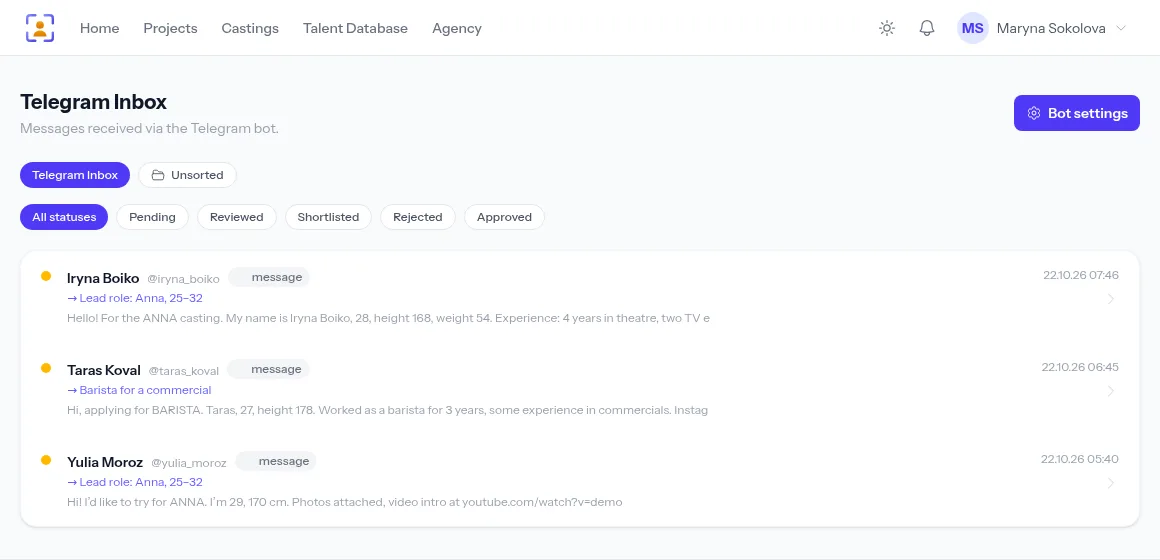
Actors apply where it suits them: they message your agency’s bot or send an email. The system finds the casting by its keyword, gathers the text, photos and videos into one application and puts it in the casting’s list.
- Your own agency Telegram bot in 10 minutes
- An IMAP mailbox checked every 5 minutes
- Chat with actors right from your account
A free plan with no time limit, no card required.

Messengers and email are where applications get lost
Chaos in your DMs
Hundreds of replies in the first hours after a post, each to be copied into a sheet.
A message with the casting’s keyword becomes an application for that role on its own — no spreadsheet.
Applications in pieces
“Hi”, then photos, then a link, then “forgot my height” — four messages for one application.
The bot gathers all of the actor’s messages — text, photos, links — into one application until they tap “Done”.
Who replied?
The assistant and the director answer the same actor twice — or nobody does.
Chats through the agency bot are visible to the whole team, so everyone sees the actor has already had a reply.
The Telegram bot gathers the whole application
An actor sends the casting keyword to your bot; the bot replies with what to send and gathers every following message, photos and videos included, into one application. A Done button or a pause of a few minutes finishes it automatically.
- Large video self-tapes through our own Bot API server
- Actors subscribe to casting announcements with /start
- Messages without a keyword aren’t lost — they go to Unsorted
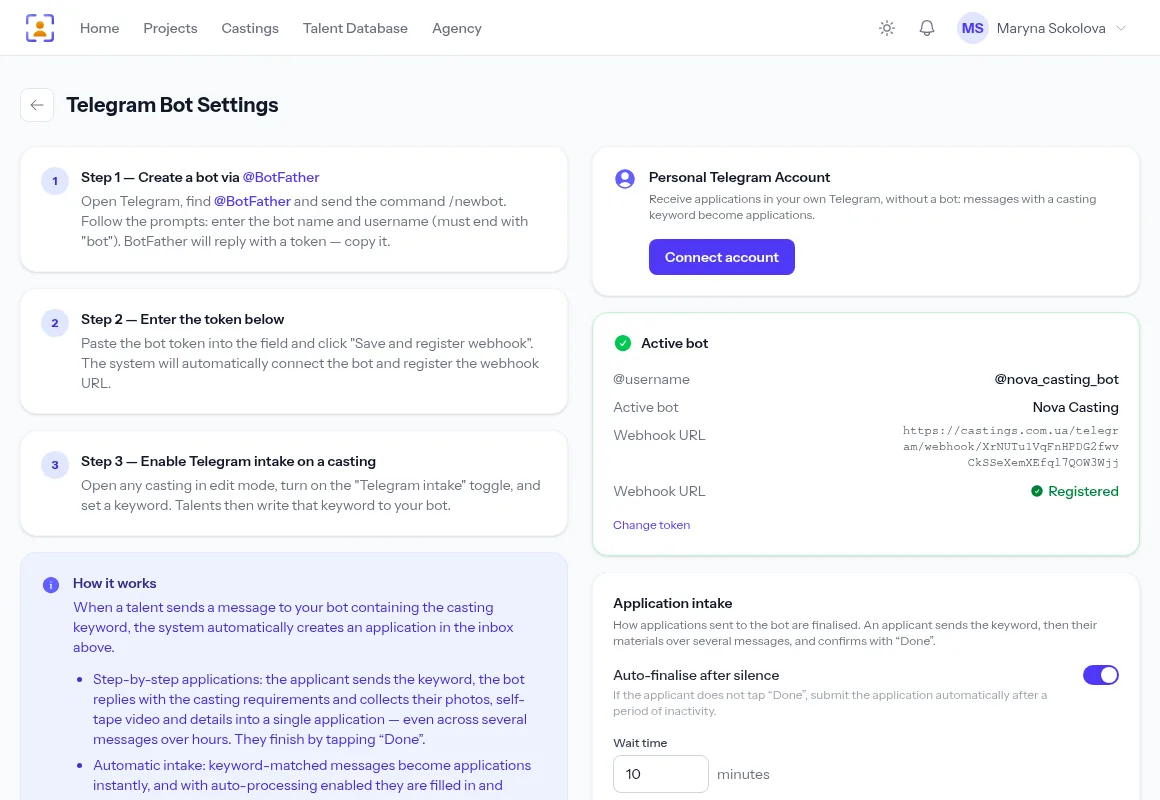
Connect the bot in three steps
Create a bot with @BotFather, paste the token into the settings and the webhook registers itself. Give the casting a keyword: one field switches on both Telegram and email intake.
- Webhook status visible in the settings
- You can connect a personal Telegram account too, for chats and for applications
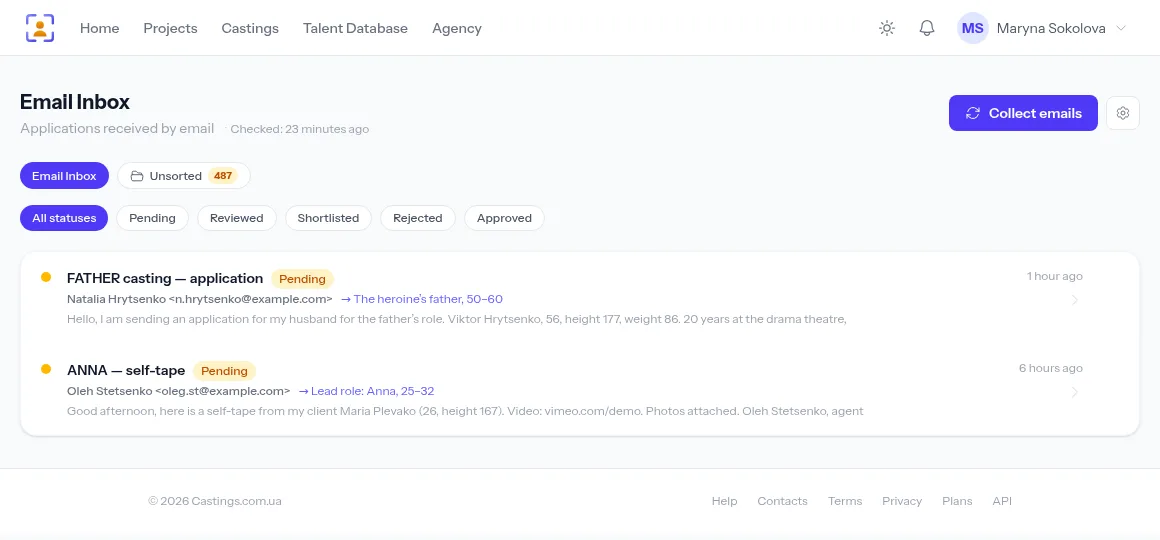
Your agency mailbox as an intake channel
Connect a mailbox over IMAP: every 5 minutes the system finds emails with the keyword in the subject or body and turns them into applications. Attachments are kept, video links shown alongside, duplicates dropped.
- Gmail, Outlook and business servers via an app password
- Email status in the mailbox is left untouched
- A Collect emails button when you’re waiting for one right now
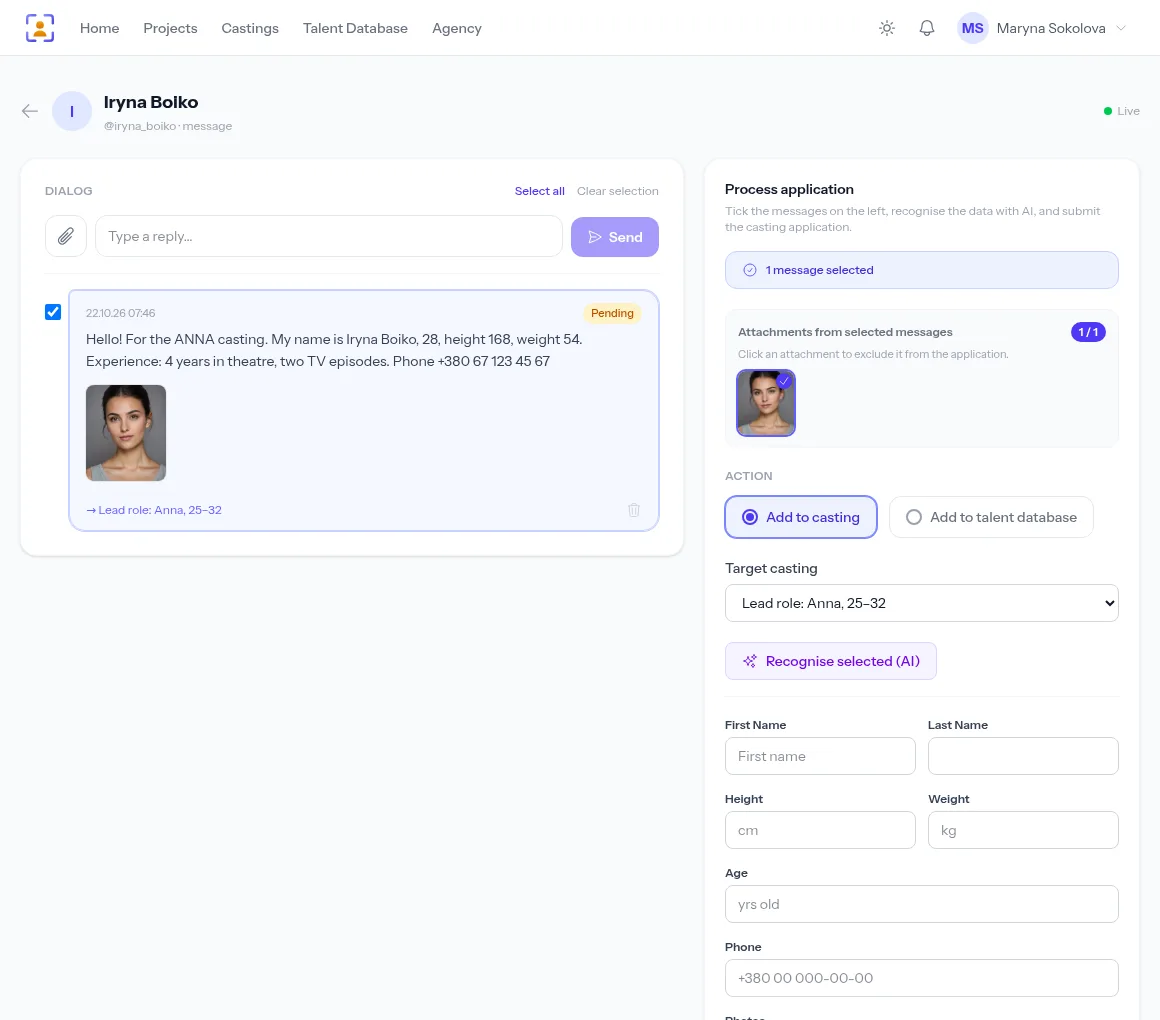
From a message to a profile and the database
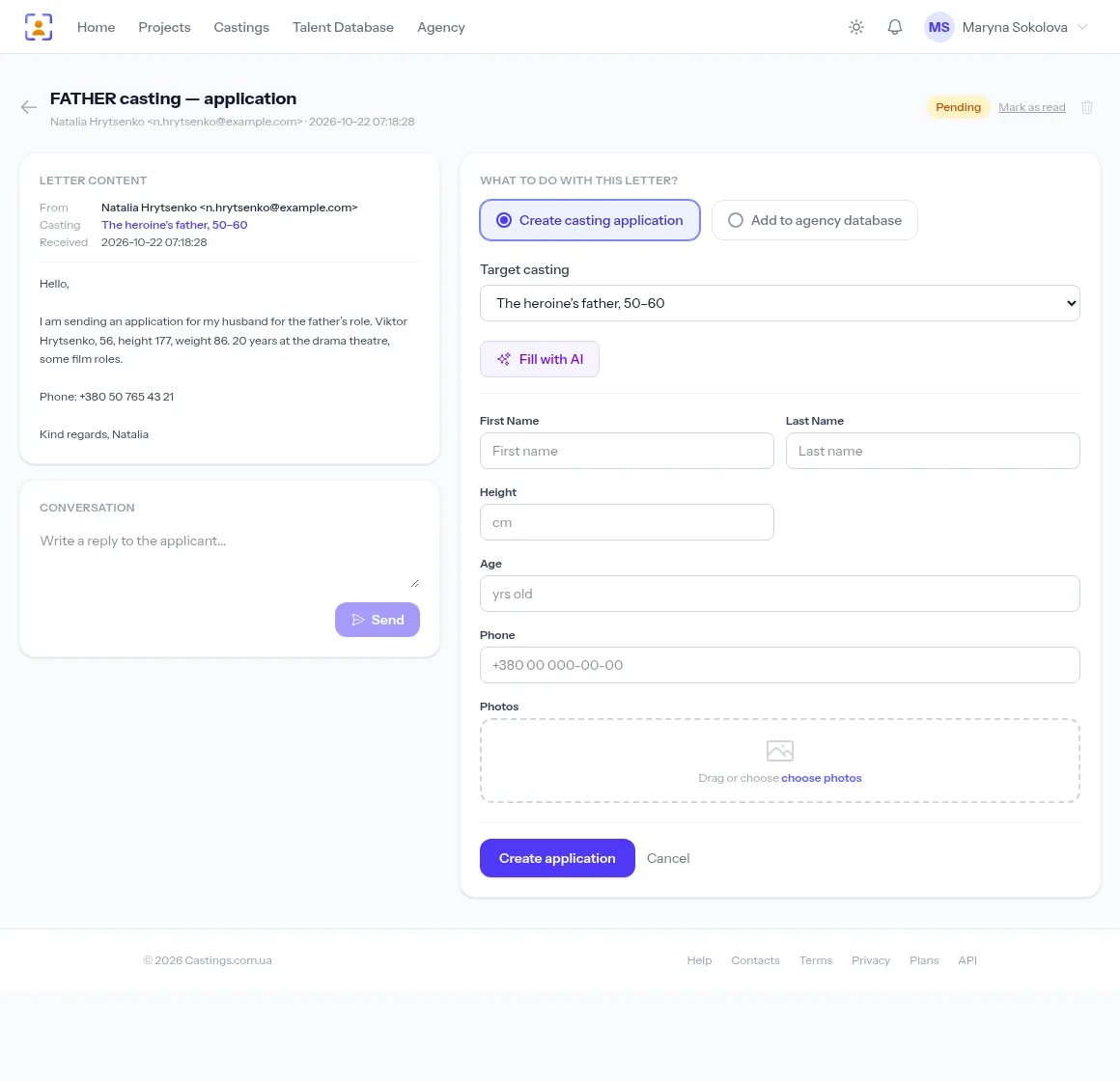
Open a conversation or an email: everything the candidate sent is on the left, the form on the right. Create a casting application, add the person to your agency database, or reply — the answer goes to the same chat or sender address.
- AI fills in the form fields from the text in one click
- Photos and videos move into the application and the profile
How to connect
- 1
Create a bot
/newbot in @BotFather — and you have a token.
- 2
Connect a mailbox
IMAP server, login and app password in the email settings.
- 3
Set a keyword
For example ANNA — actors put it in their message or subject line.
- 4
Work with applications
Every reply sits in the casting’s list next to website submissions.
Frequently asked questions
Why a bot and not a personal Telegram account?
Bots are built to talk to strangers: higher limits, no risk of your number being restricted, and buttons. You can connect a personal account as well — it’s handy for reading and answering your direct messages from the account.
What if an actor forgets the keyword?
The message goes to the Unsorted tab. If the sender already has an application, the photos and videos they send are attached to it automatically.
Which email services are supported?
Any with IMAP access: Gmail, Outlook and business mail servers. For Gmail and Outlook use an app password.
Can these applications be processed automatically?
Yes — turn on AI auto-processing for the casting: the text is split into form fields and the media attached to the application.
From the blog
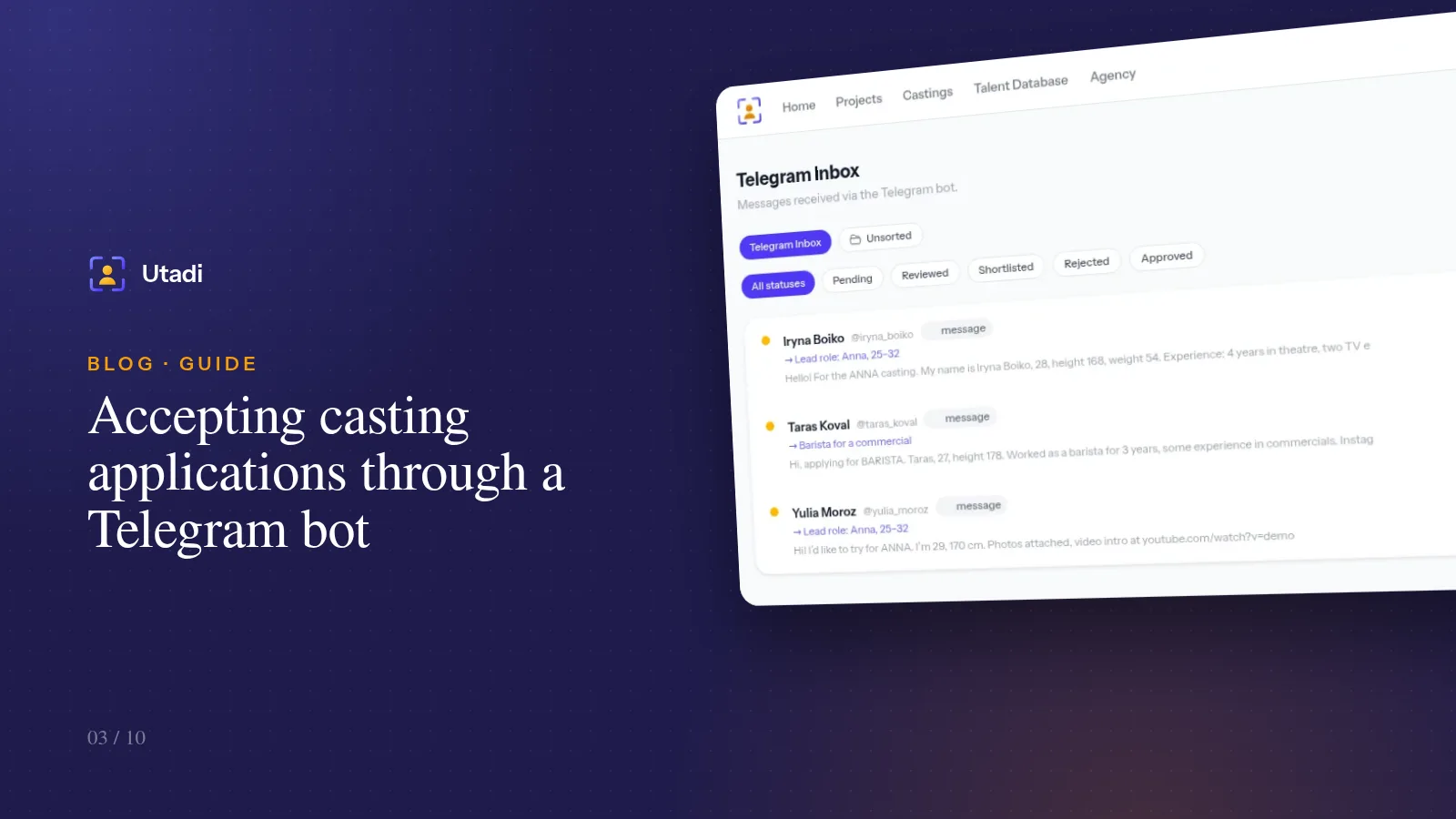
Accepting casting applications through a Telegram bot: a 10-minute setup
Actors have long been answering casting calls on Telegram. Connect your agency's bot and messages with photos and videos turn into applications for the right role on their own.
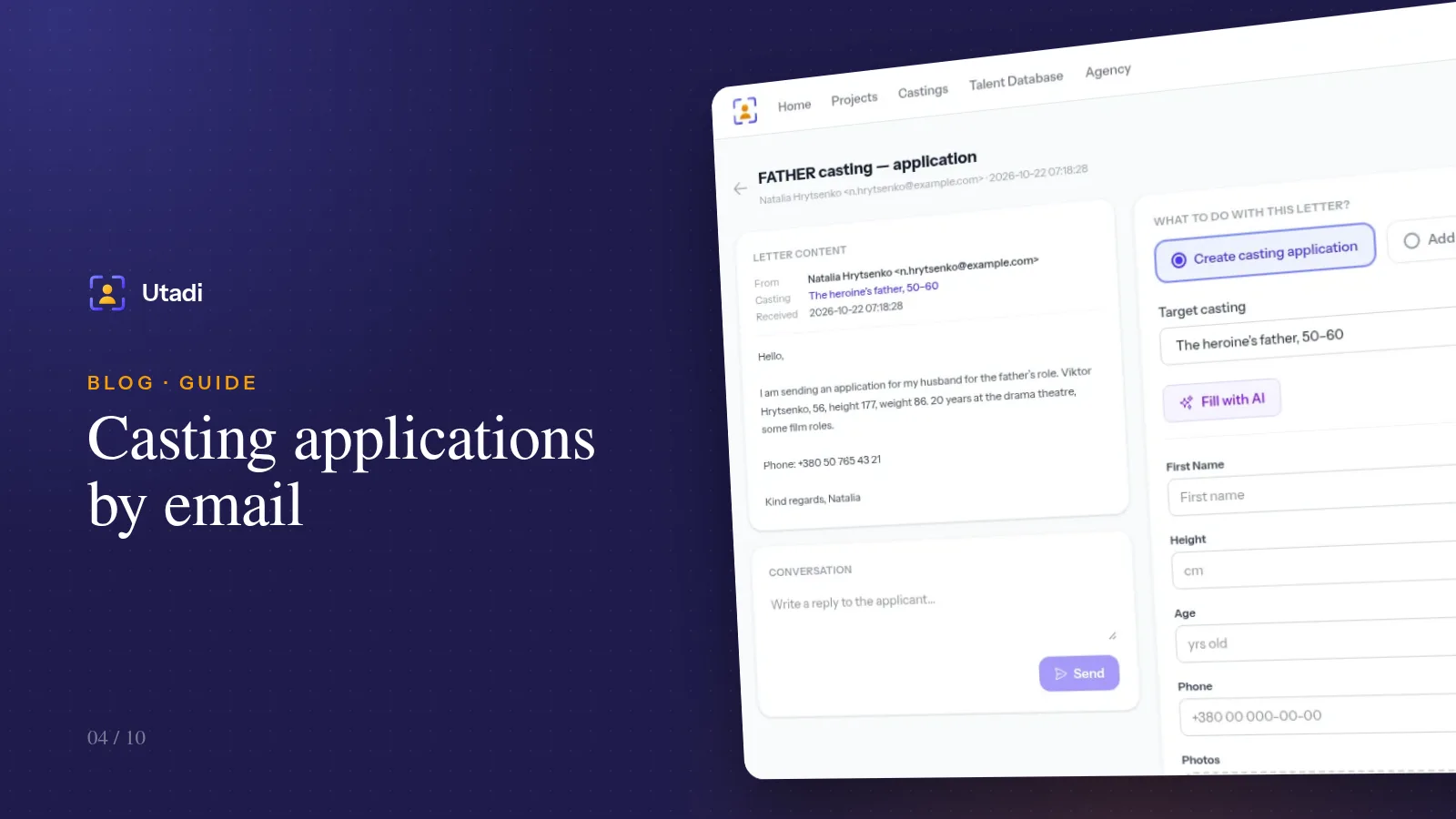
Casting applications by email: connect your mailbox and stop sorting it by hand
Agents and experienced actors still send portfolios by email. Connect your mailbox over IMAP and emails with the casting keyword become applications for the right role on their own.
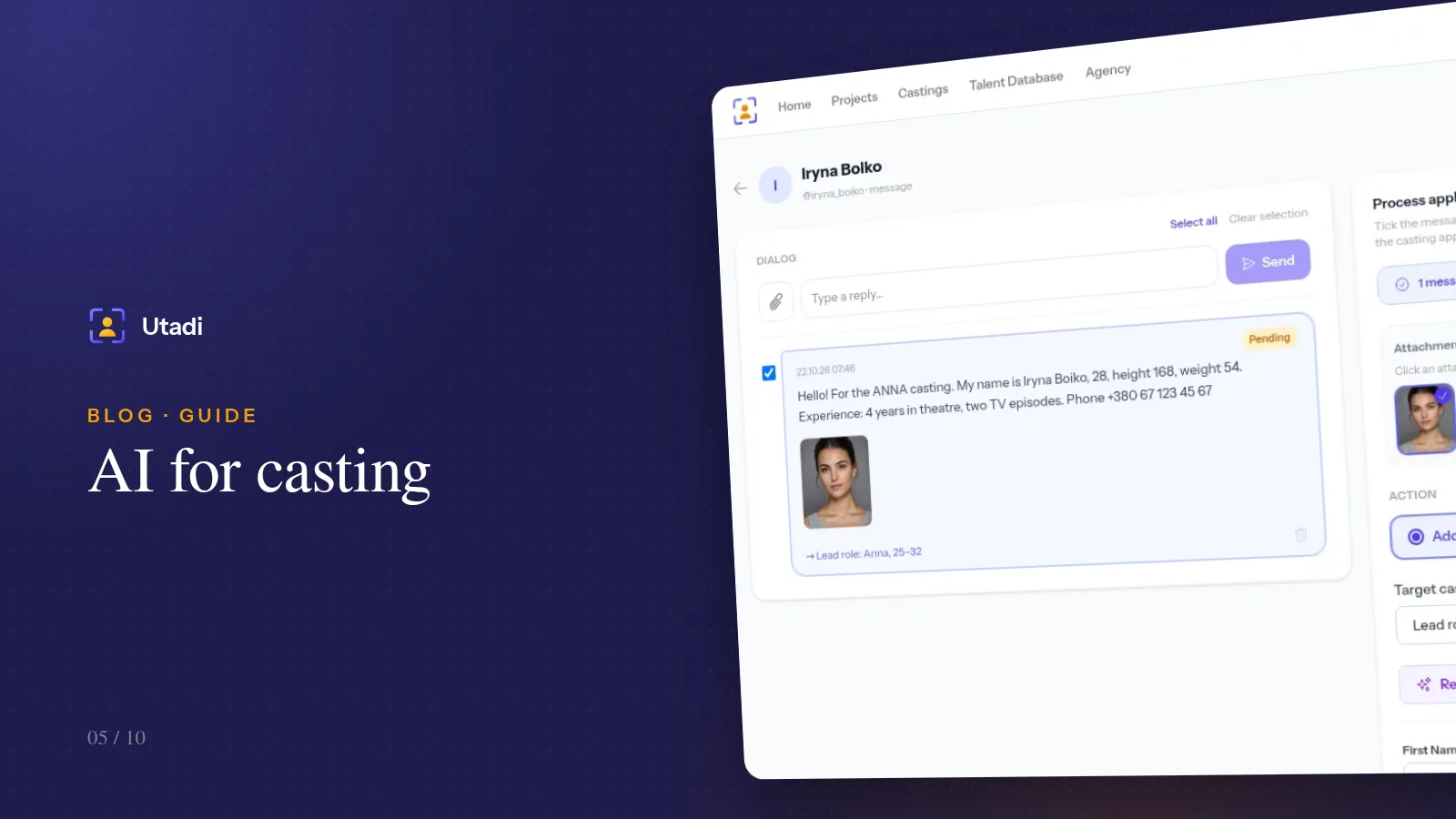
AI for casting: automatic parsing of applications from Telegram and email
Actors write the way that suits them, not you. AI splits the free text of a message into the fields of an application form — on demand or fully automatically.
More features

For casting directors
Online auditions, self-tapes, statuses and shortlists for the director, in one tool.
Learn more
For model agencies
A talent database, castings, team permissions and an agency website for casting and model agencies.
Learn more
Agency database
A talent database with photos, measurements, tags and filters by type.
Learn more
Online casting forms
A casting form with the fields, photos and self-tapes you need — no sign-up for actors.
Learn more
Casting call template
A ready casting call text and application form — copy them or publish them as an online form.
Learn more
Telegram casting bot
Your agency’s own bot takes applications by keyword and announces new castings.
Learn more
AI casting software
AI turns message text into application fields — on demand or fully automatically.
Learn more
Applicant tracking
Every casting submission in one list: statuses, photos, self-tapes and replies to applicants.
Learn more
Shared shortlists
A shortlist link: the client reviews candidates without an account and votes.
Learn more
PDF & Excel export
PDF presentations, Excel and a media archive from your database — with your logo and no stray contacts.
Learn more
Agency website
An agency page on your own subdomain: castings, actor subscriptions and a widget for your site.
Learn more
API & integrations
A REST API with PHP and Python libraries: castings, applications and talent on your own website.
Learn moreConnect a Telegram bot and your mailbox to your castings
Every reply in one queue, with statuses and answers from your account.
Start for freeA free plan with no time limit, no card required.